Background
The emails being sent by Lumos to your ITSM follow a standard format regardless of the ITSM (Connecting Your ITSM) you connect. This article provides screenshots and descriptions of each type of email Lumos delivers when someone requests access to an app in the AppStore. See Requesting Access to an AppSubject
The subject of the email will be in the format[Access Request] {App Name} for {Request Target}.
Example: If Alice Smith requests Zoom for Bob Jones, the message will be “[Access Request] Zoom for Bob Jones”.
Initial email
The initial email when a request is submitted contains key details about the request.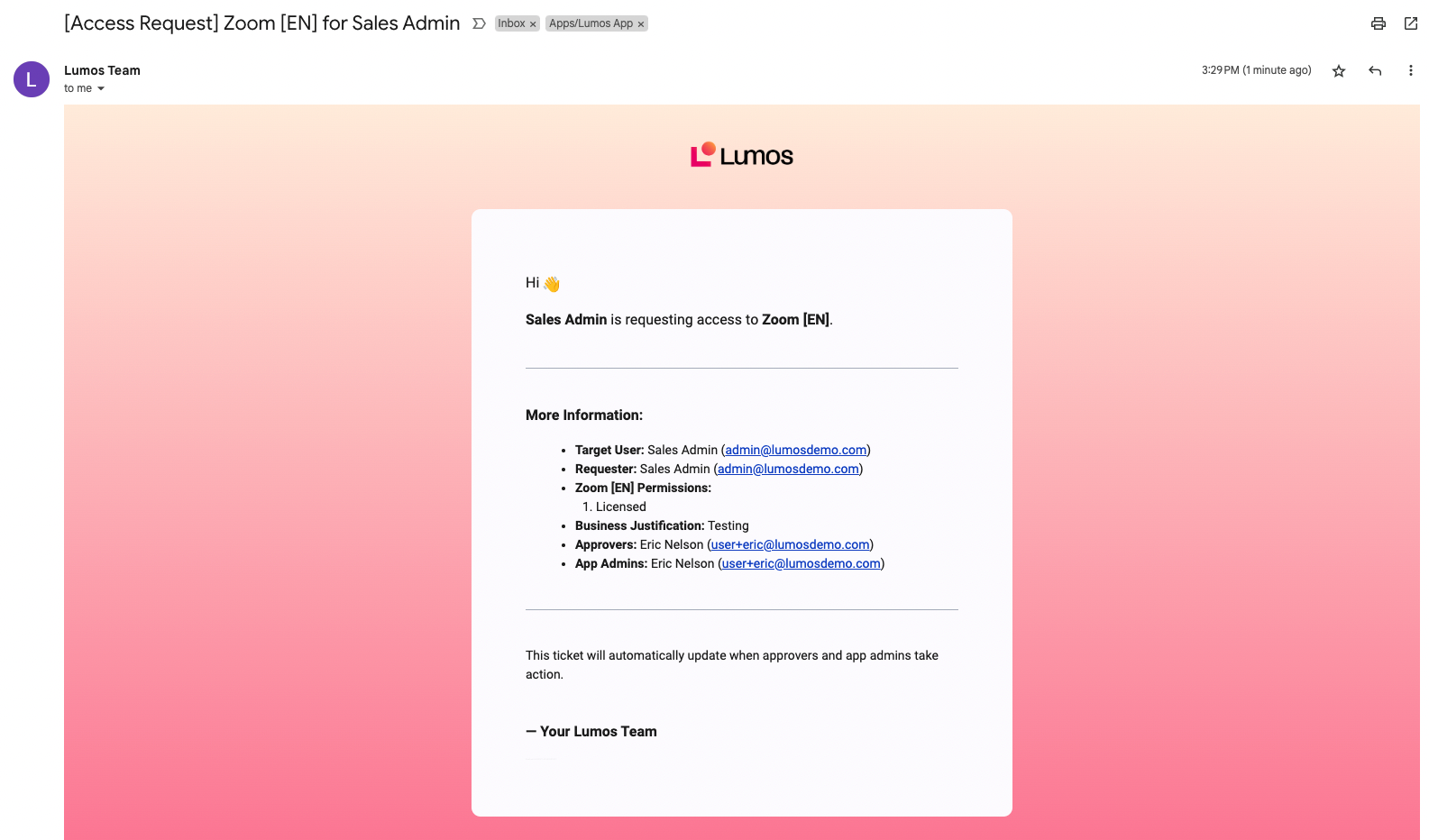
Approval pending
If the ticket is being logged to a supported ITSM, Lumos will add a comment denoting who the approval is waiting on. SeeConnecting Your ITSM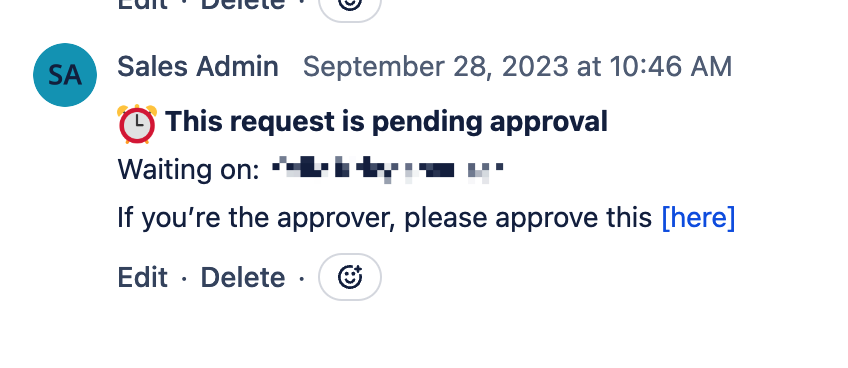
Approval confirmation
When a request is approved, a confirmation is sent regarding who approved the request.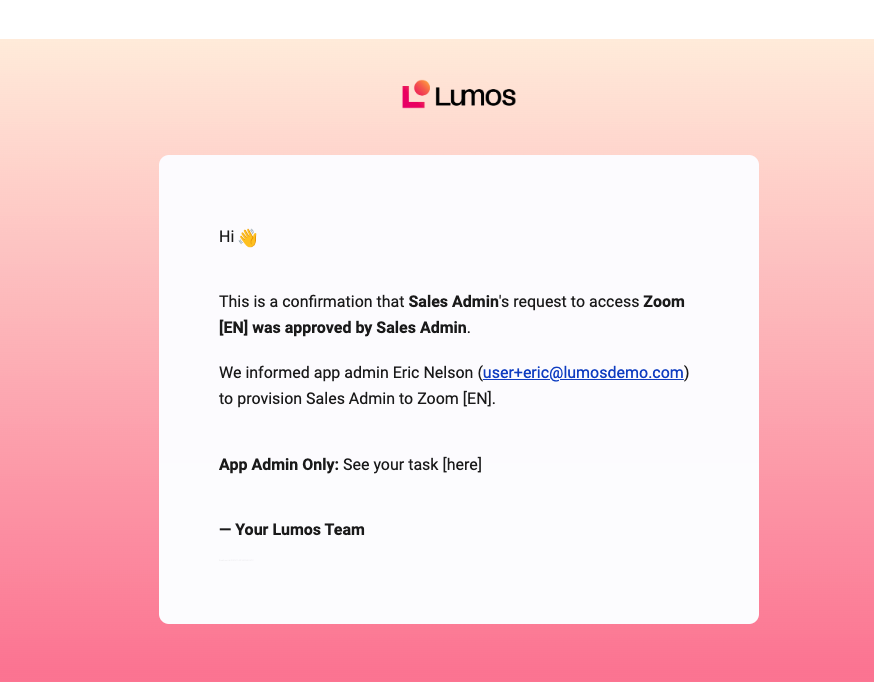
Denial confirmation
When a request is denied, either at the approval or provisioning stage, a notification is sent. If Lumos is set up to auto-resolve tickets, the ticket will be closed automatically when the request is denied.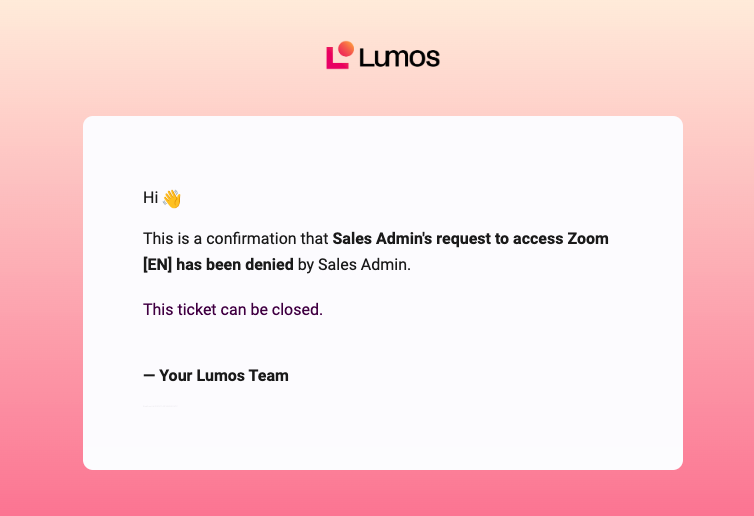
Provisioning confirmation
When someone is added to a group automatically, a notification is sent attesting to the fact that provisioning was successful.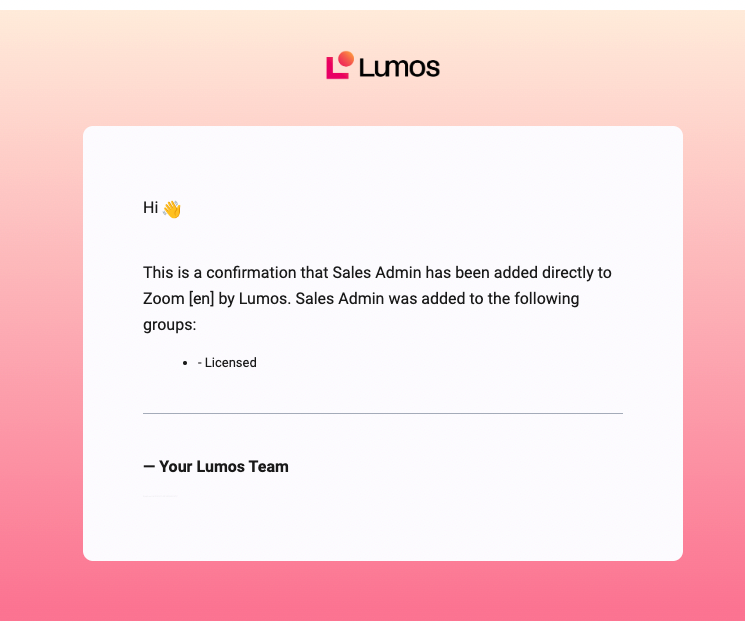
Request cancellation confirmation
When the request is cancelled, a notification is sent confirming the cancellation. If the ticket can be auto-resolved, Lumos will do so after this message.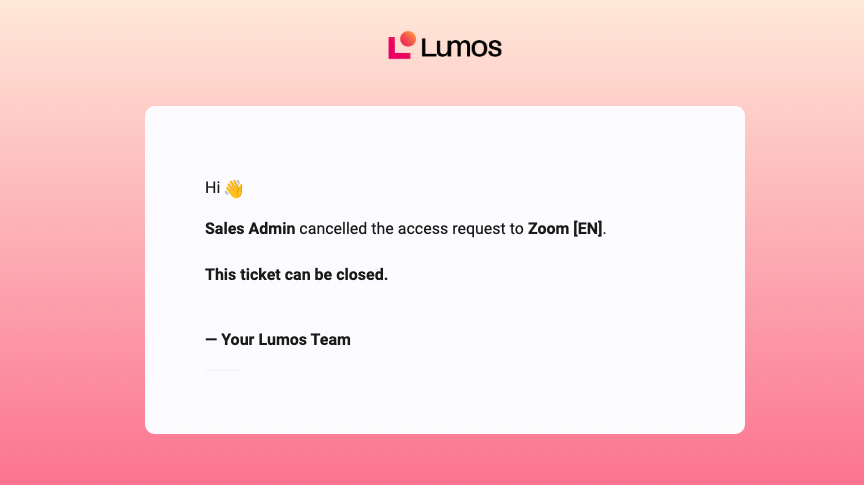
Request completion confirmation
When a request is successfully completed, a notification is sent confirming that provisioning is complete. If the ticket can be auto-resolved, Lumos will do so after this message.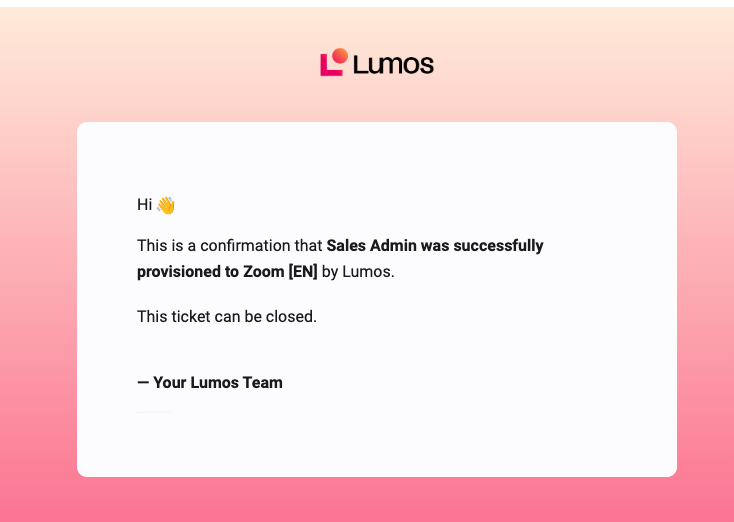
Request expired
When a request expires, a notification is sent confirming that the request can no longer be acted on. If the ticket can be auto-resolved, Lumos will auto-resolve it after this action.Custom access request
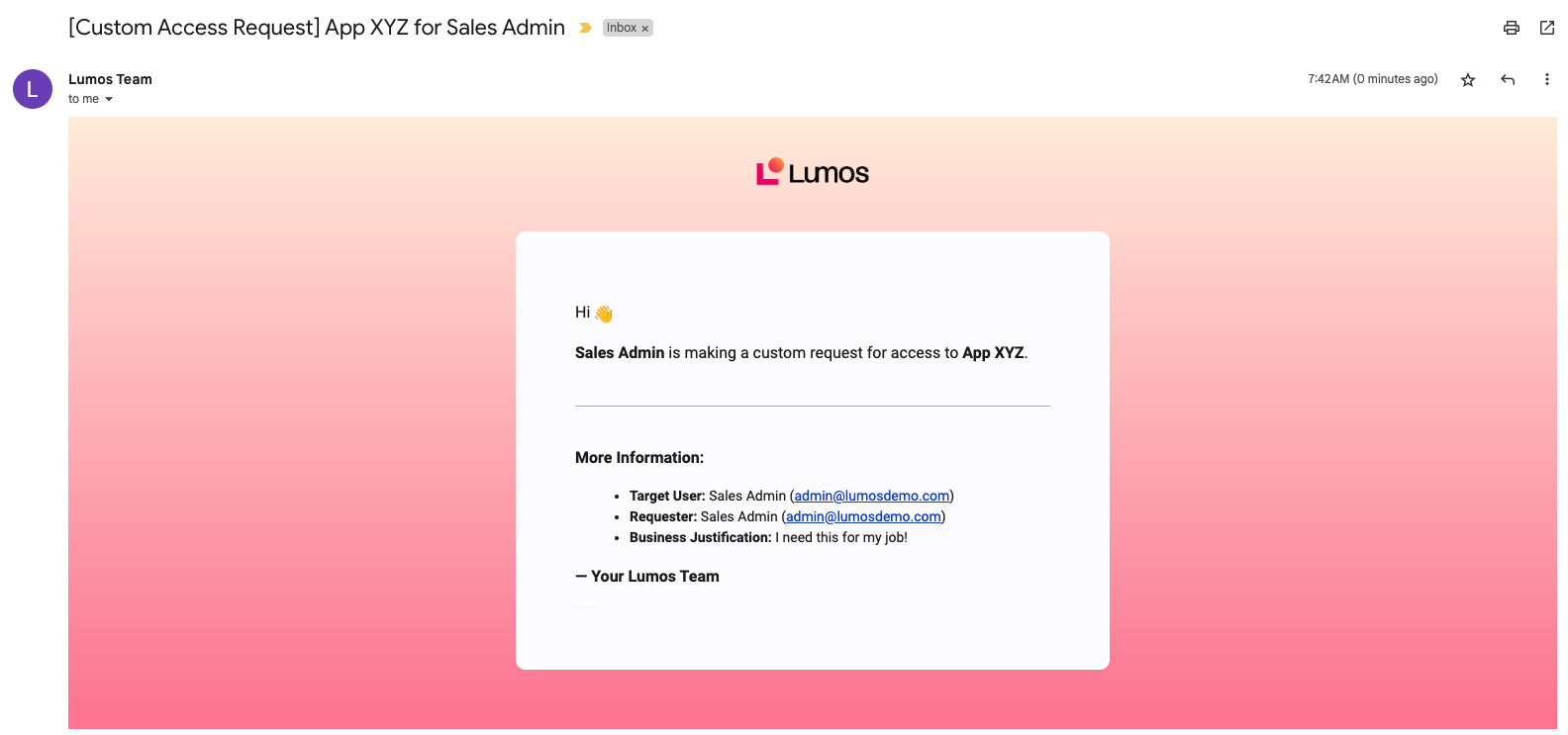
When someone submits a custom access request, a one-off email is sent to your ITSM destination informing your team of the app being requested, along with the justification. SeeEnabling Custom Requests