
Background

You can download your AppStore configurations as a CSV to review what you’ve configured so far or share it with an external team, such as compliance.

Download Steps

1. Navigate to your AppStore table. (You need to be a Lumos Admin to see this.)

2. Click on the “Download CSV” button.
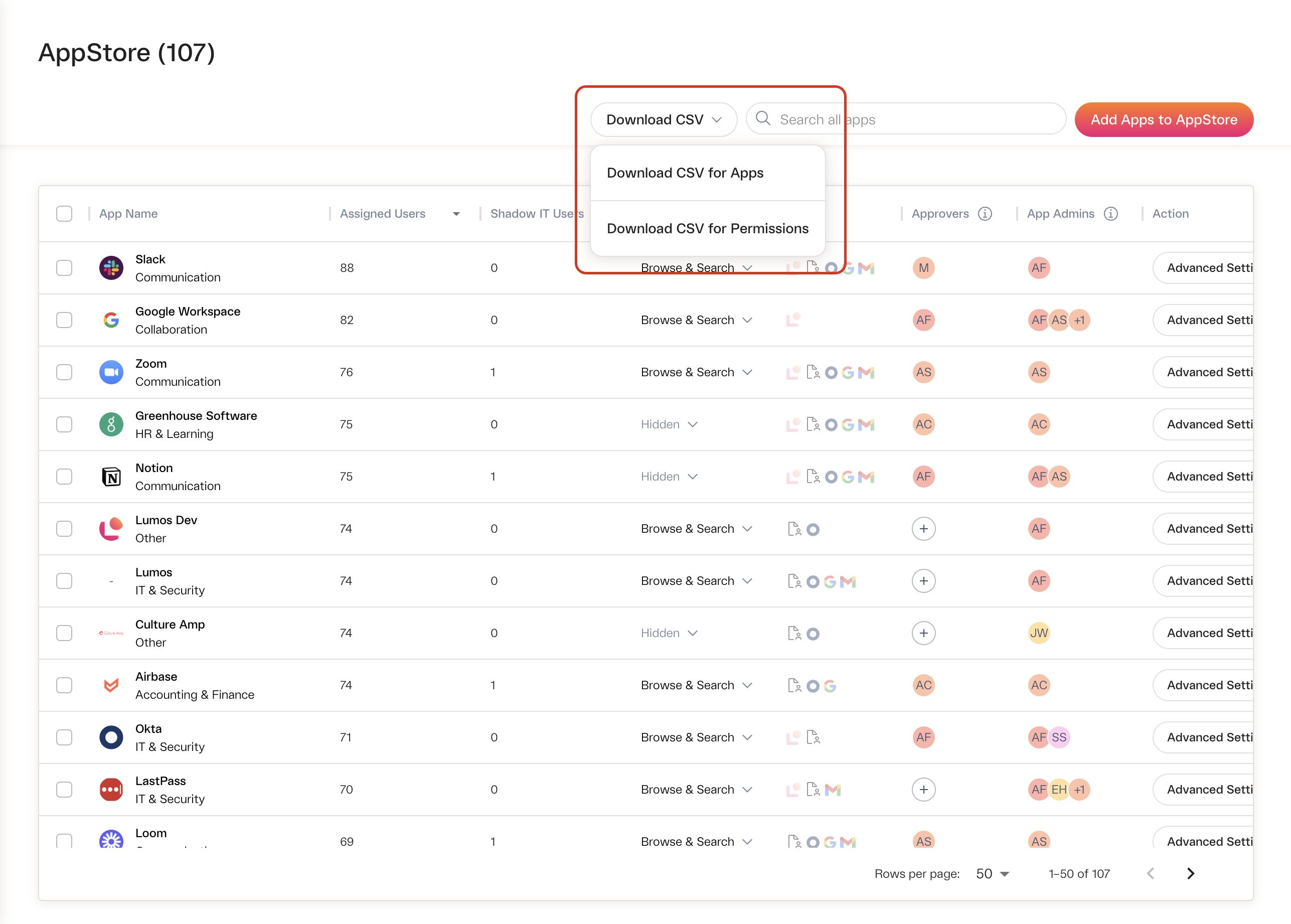
Screenshot 2023-10-26 at 5.44.53 PM.png

3. Select one option (or both): “Download CSV for Apps” and “Download CSV for Permissions”.

Download CSV for Apps provides the configurations at an app-level. Download CSV for Permissions provides the configurations at a permission-level. Note that permission-level configurations can override what is set or configured on the app-level.

4. Download complete