After this article
You’ll be able to configure your requests to show information about your requesters.Background
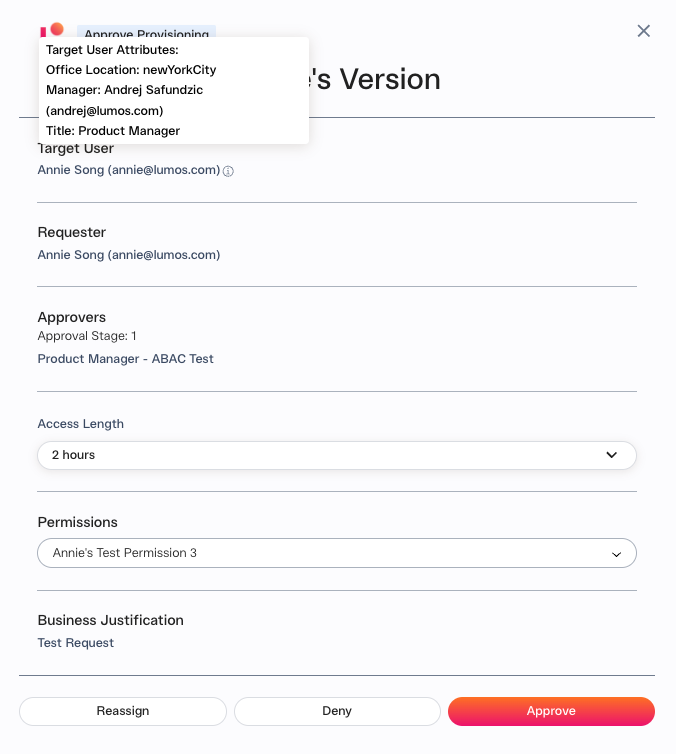
Approvers and app admins sometimes need more information about the person who is getting software access, such as their team or title. With Lumos, you can configure this information to show up in all the relevant places - your Slack/email notifications, the Task Center, the Activity Log, and even your ITSM.Steps
1. Configure the fields in your Source of Truth Settings
If you navigate to your Source of Truth settings, you will see a new dropdown called “Attributes Displayed in Access Request”:
2. Setup complete
FAQs
Where can I see this information in my Slack/email notifications?
Slack: Email:Where can I see this information in the Activity Log?
Where can I see this information in the Task Center?