

Background
With the Lumos AppStore, you can allow end-users to request fine-grained access to applications, such as individual roles, groups, and licenses. Fielding these types of requests in your ITSM can often create hours of work every month. This article shows you how to use Lumos to automatically provision and deprovision fine-grained access, including how to sync outside permissions into your AppStore, reducing setup and maintenance time.What does Lumos consider a “Permission”?
Lumos uses the word “permission” to refer to any access that you can grant to a user’s account in an application. These can be roles (basic vs admin), licenses (free seat vs paid seat), or security groups. Lumos exposes two types of permissions in the platform. First, Lumos syncs all external permissions via direct integrations, and make them available in the “permissions” tab; you can view these by going to Apps > [select an app] > Permissions.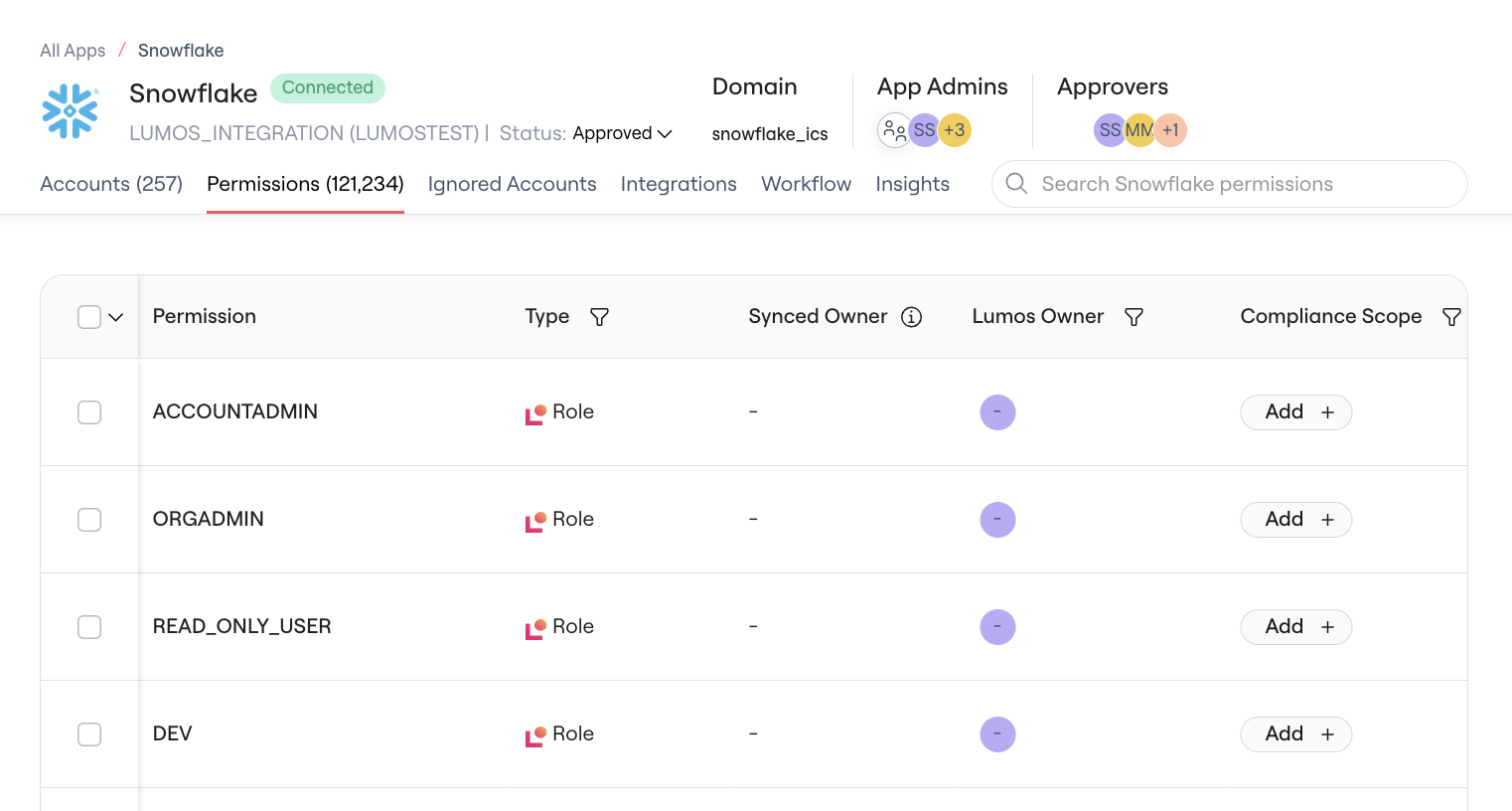
-
Assignable Permissions — you can assign these directly to users in the application’s admin panel. Examples include:
- NetSuite Role
- Zoom License
-
Implied Permissions — these are permissions that are granted to a user but not directly. Examples include:
- Inherited GCP permissions
- Database-level access in Snowflake
- The ability to approve an invoice in NetSuite
AppStore “Requestable” Permissions
Within the AppStore, you can define which permissions are available for end users to request by going to AppStore > [select app] > Settings > Permissions.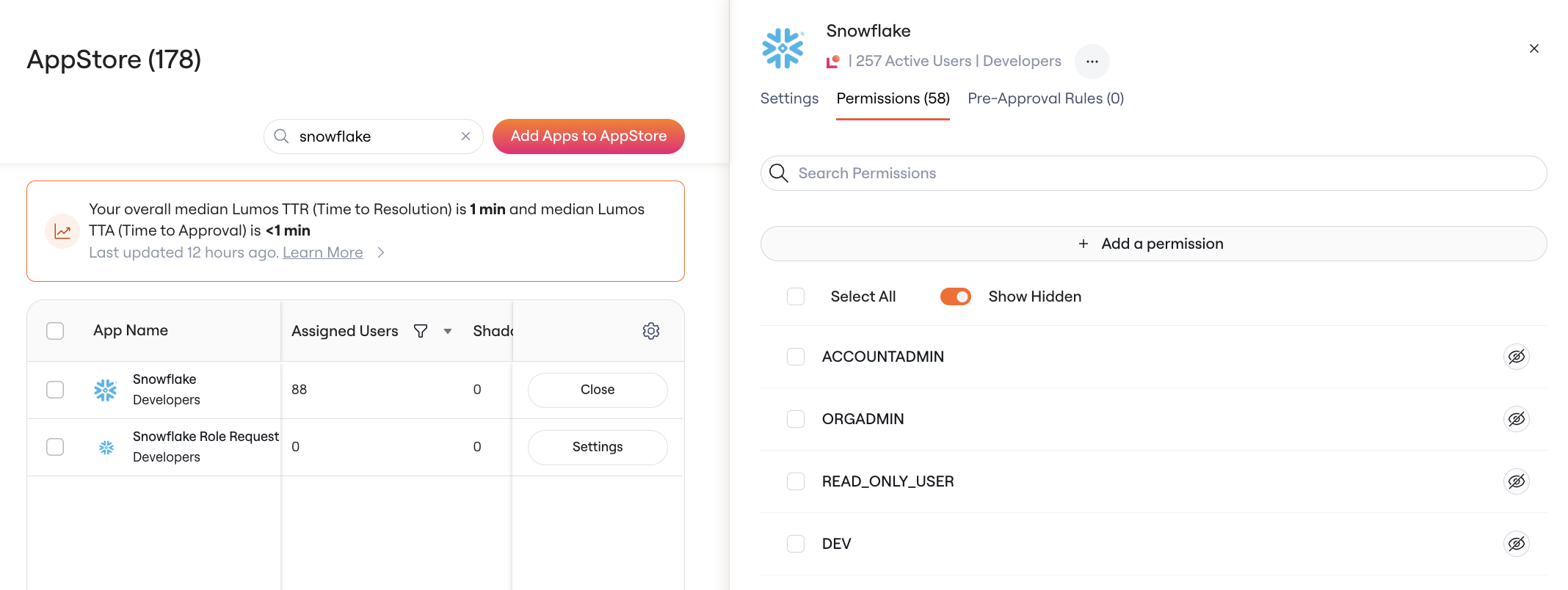
- What is the name of the permission shown to end users? (this can be different from the name used externally)
- Which approvals are required before a user can be granted access?
- Which automated steps should be taken to provision and deprovision access?
Automatically Syncing Requestable Permissions
When you first connect an integration, the application will show up immediately, and you can configure it in the AppStore. However, it won’t have any permissions yet. Lumos runs a sync process every 24 hours to discover new users, their statuses, as well as all permissions within an application. At the end of this sync, Lumos automatically makes all assignable permissions available in your AppStore.Default Requestable Permission Settings
By default, all permissions synced into the AppStore will exhibit the following behavior:- They will be hidden from end users. This is by design, to avoid accidentally enabling new, sensitive permissions for end users without proper approvals in place.
- They will inherit the approvers, group-based visibility, and webhook settings from the app-level defaults
- Provisioning and Deprovisioning workflows will be automatically configured with a single step to assign and unassign entitlements