After this article
You’ll know how to configure apps in your AppStore to redirect users to external request portals, creating a single front door for employees while maintaining your existing access request workflows.Background
The AppStore provides end users with a single location to find and request access to apps, instead of searching different intranet pages for the right portal. However, when you have many teams managing access through different portals, it can take some time to migrate everything into one place. Instead, you may want to maintain these existing workflows for certain applications while still providing employees with a unified discovery experience. With External Portal Redirects, you can add any application to your AppStore and configure it to redirect users to your existing request portal when they attempt to request access. This allows you to create a single front door for all software discovery and requests, even when some apps still use external workflows. This feature is particularly useful when:- Rolling out Lumos incrementally across your organization
- Accommodating teams that aren’t ready to transition to Lumos-managed provisioning
- Ensuring compliance with existing approval processes for specific applications
Configuring an External Redirect
Navigate to your AppStore admin panel and select the app you want to configure. Under the app’s main Settings tab, you’ll find a new section called “Redirect to External Link”.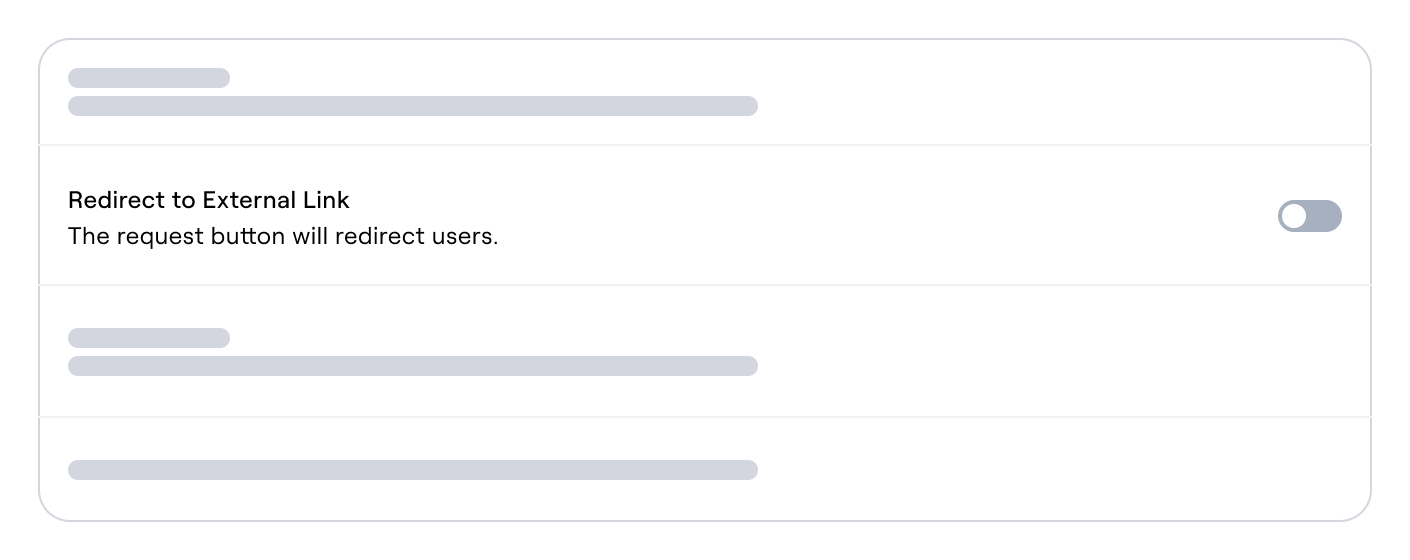
End User Experience
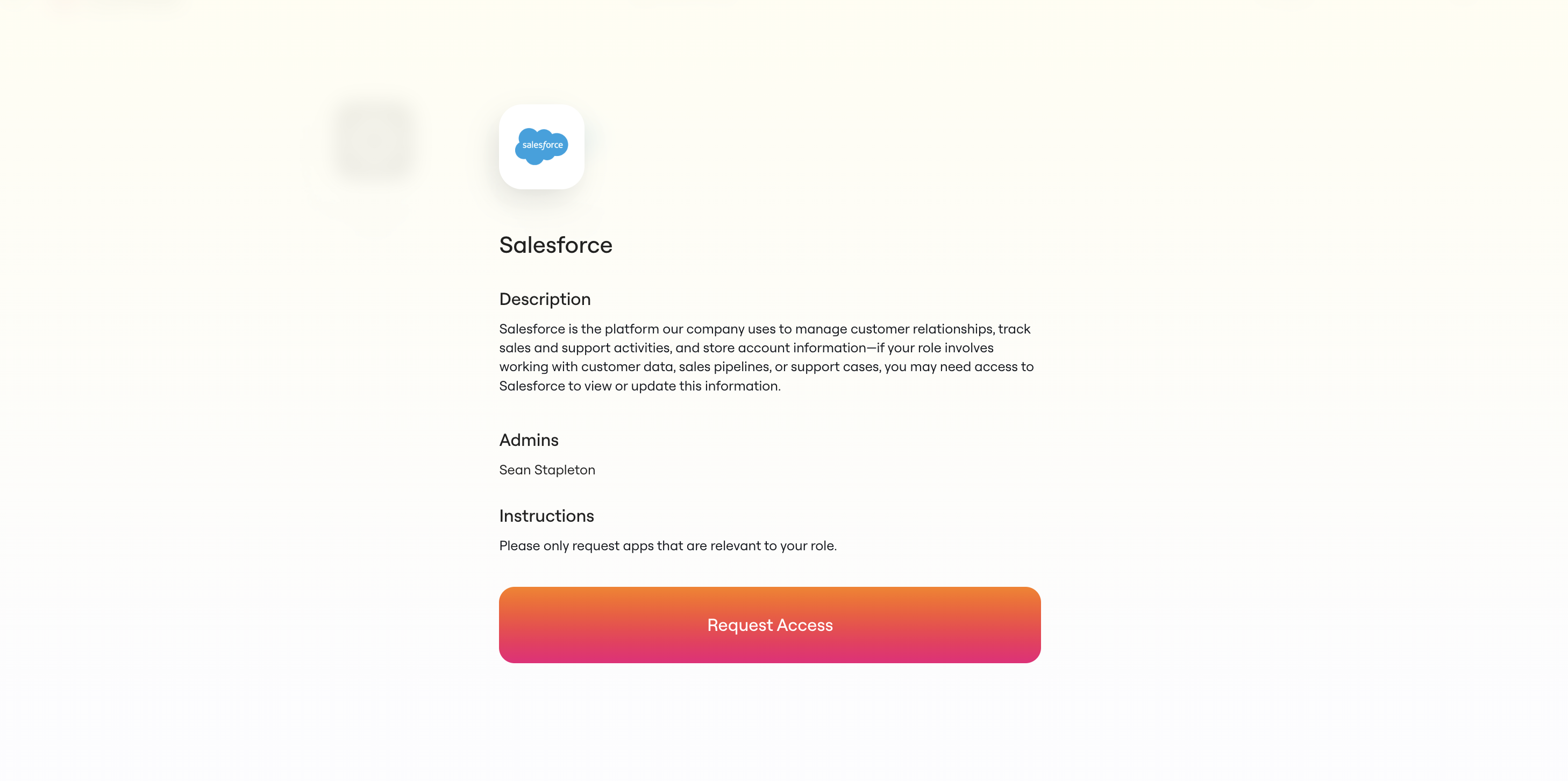
Once you’ve configured an application to redirect to another portal, users will see the app in your AppStore just like any other application. However, when they click on it, they’ll see:- The app’s description and details
- The admins for the chosen application
- Custom instructions that you’ve configured on the application
- A “Request Access” button that redirects them to your specified URL
Slack Experience
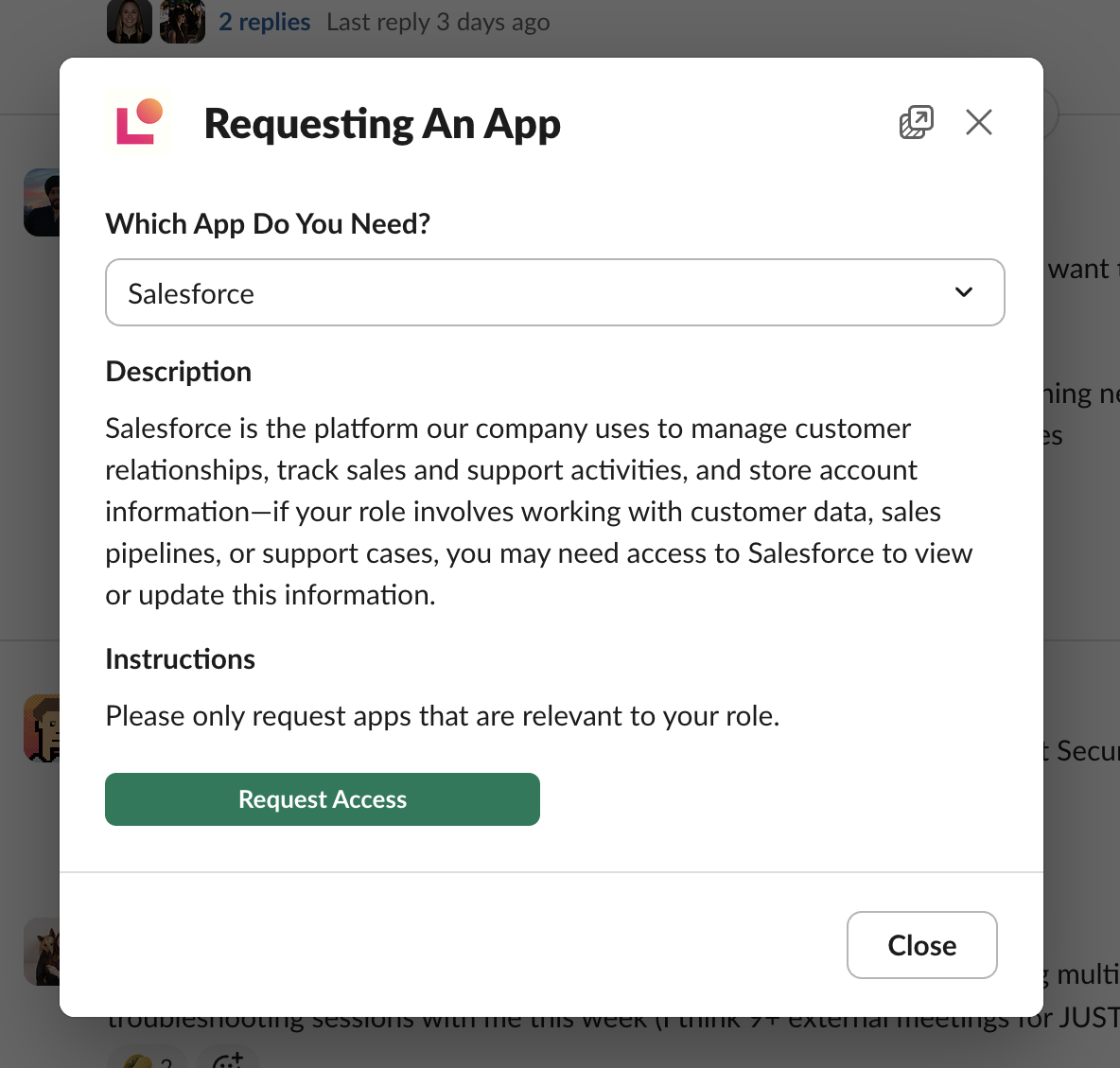
If you’re using Lumos’ Slack integration, apps configured with external portal redirects also redirect. When users select “Request Access” through the Slackbot, they’ll be redirected to the appropriate external portal just like in the web interface.