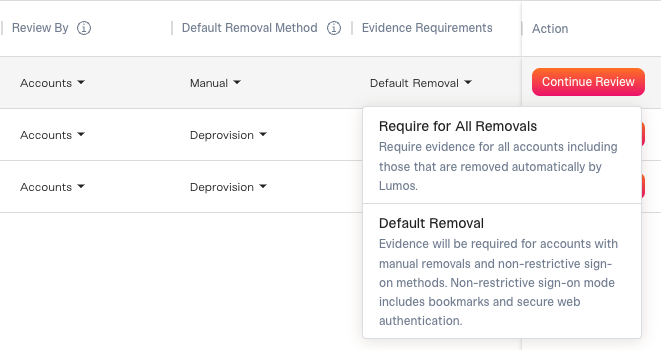
Background
You’ve added apps to your access review (seeChoosing Access Review Apps). This article shows you how to review and configure the settings for each app. When you’re done, assign the Reviewers. SeeAssigning Reviewers and Launching Your Access Review If you want to edit the access review as a whole, not just a specific app, see Editing Access Review App SettingsApp Review Admin
If you need to edit the App Review Admin for an app, follow the steps below. 1. Click “Edit Apps”.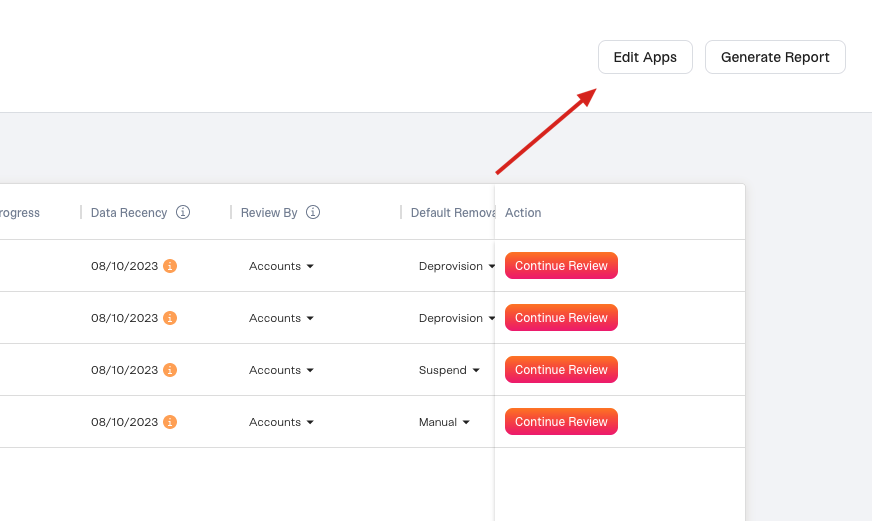
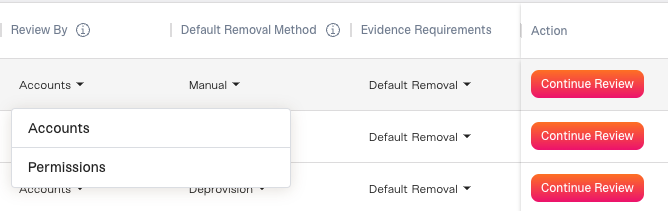
Review By
Default Removal Method
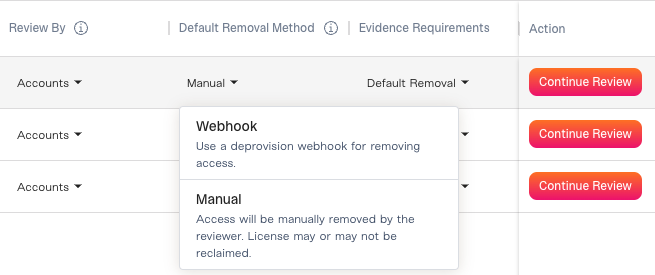
- Suspend: Suspends rejected accounts. Only available for supported integrations.
- Deprovision: The action taken here is dependent on the integration. Only available for supported integrations.
- Webhook: You can run a webhook for each rejected account, which can automatically remove access. See Extending Lumos With Webhooks
- Manual: This presumes that someone will manually remove rejected access outside of Lumos and upload evidence of removal into Lumos after completion.
Evidence Requirements