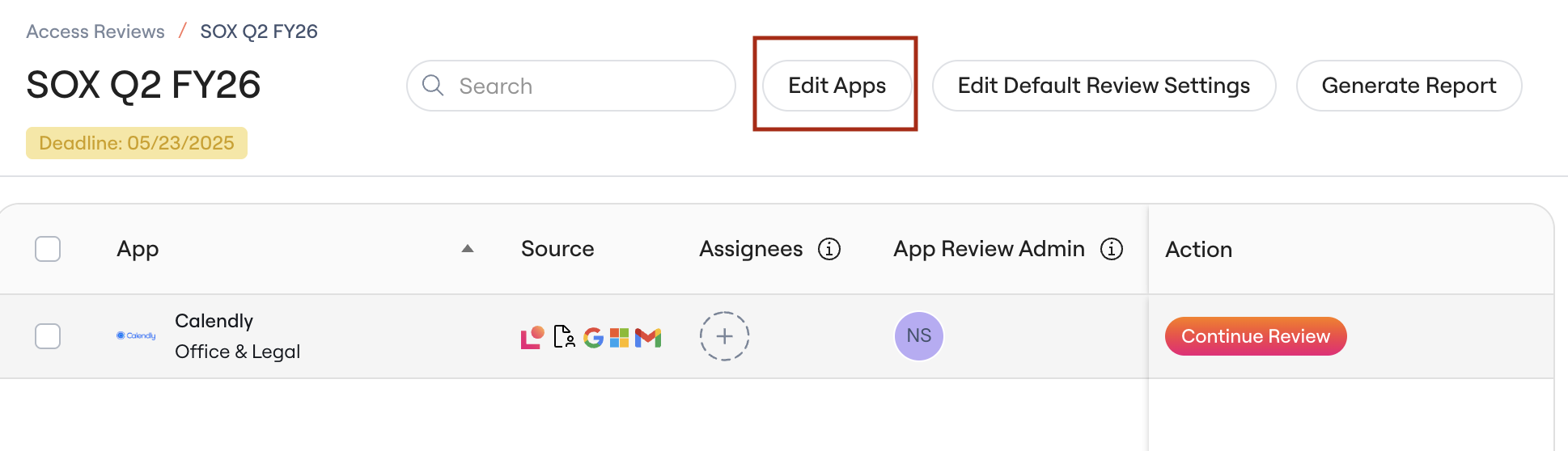
Background
This article shows you how to add the apps you need to audit to an Access Review that you’ve already created (see Creating a New Access Review).How to add apps
1. Click Add Apps Search the list of apps and select any apps you want to include.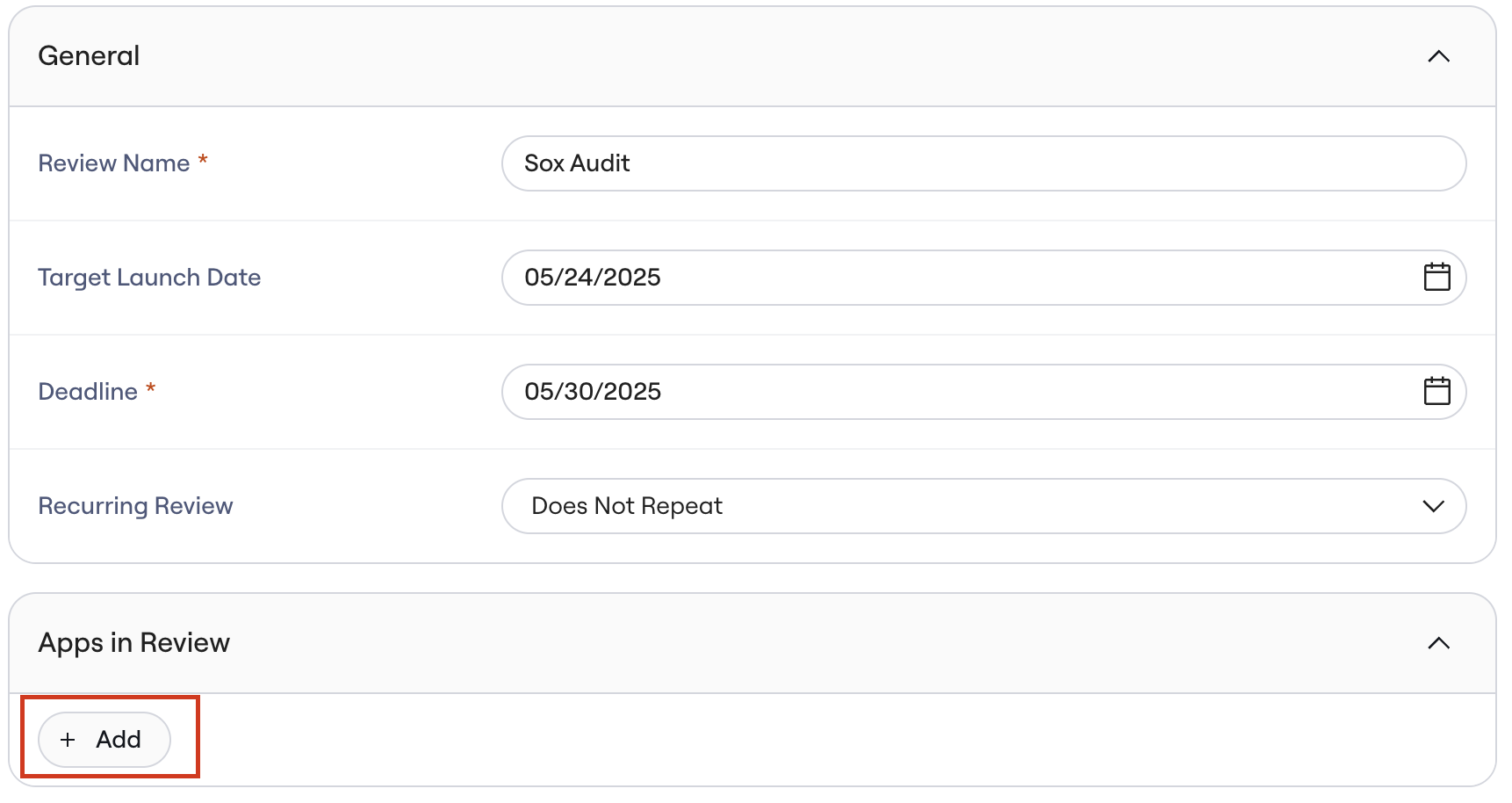
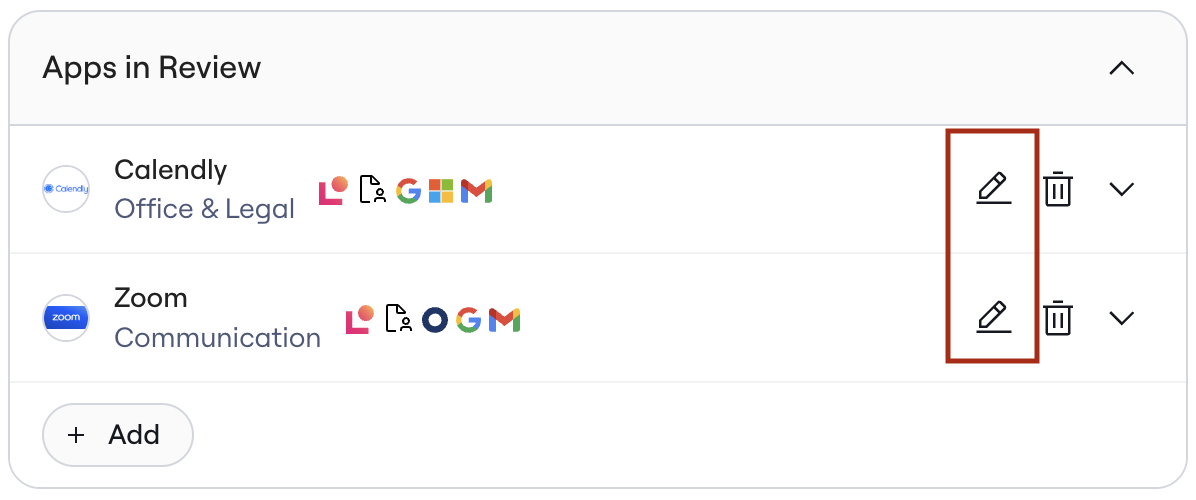
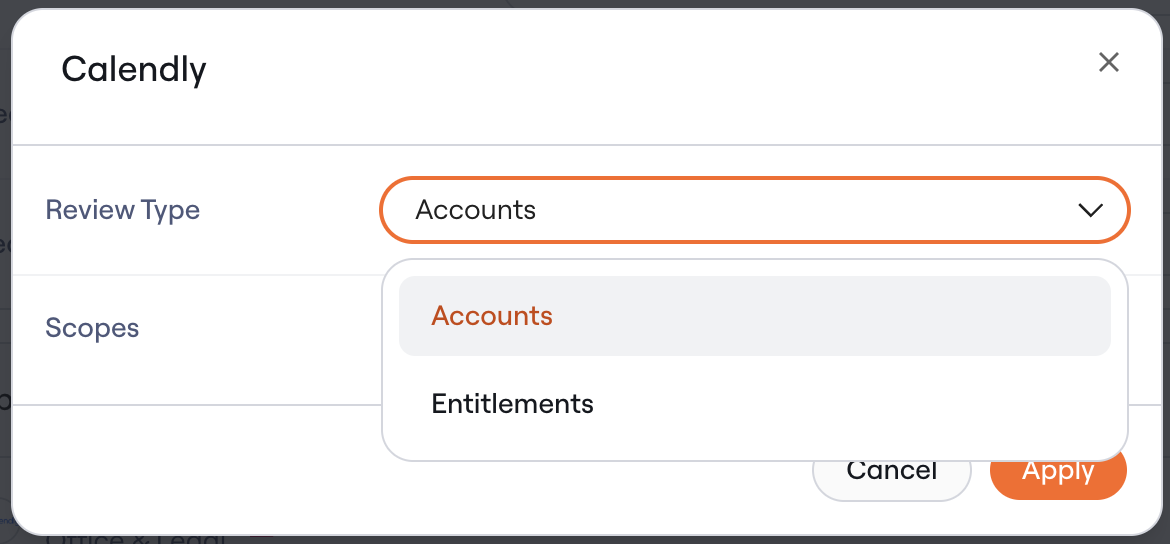
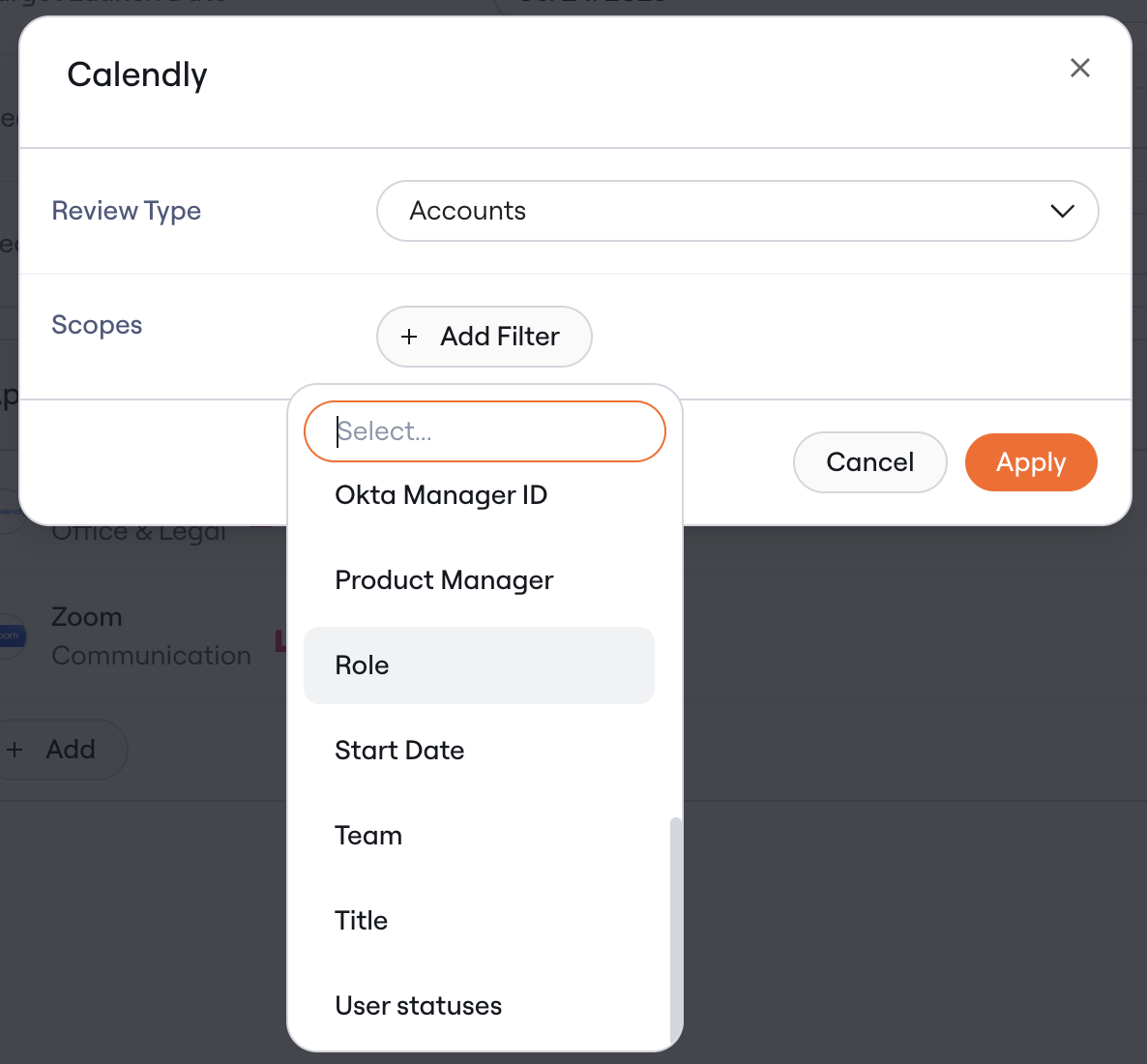
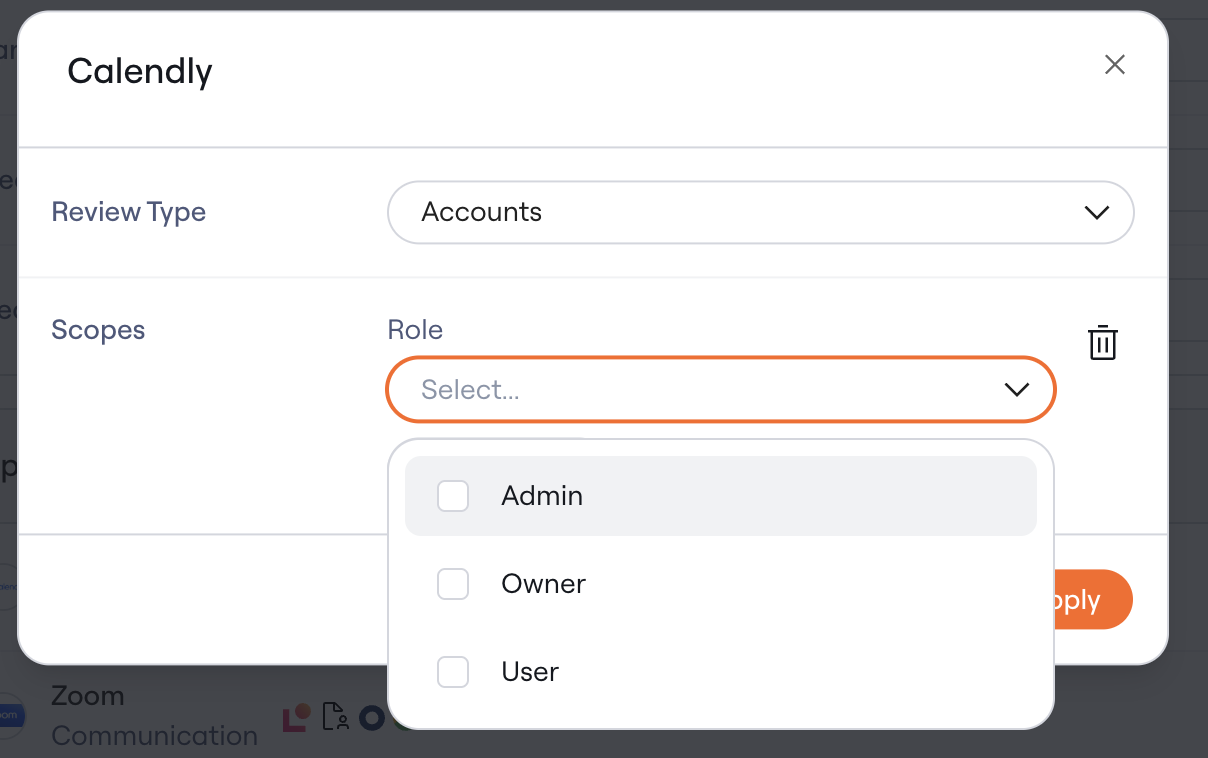
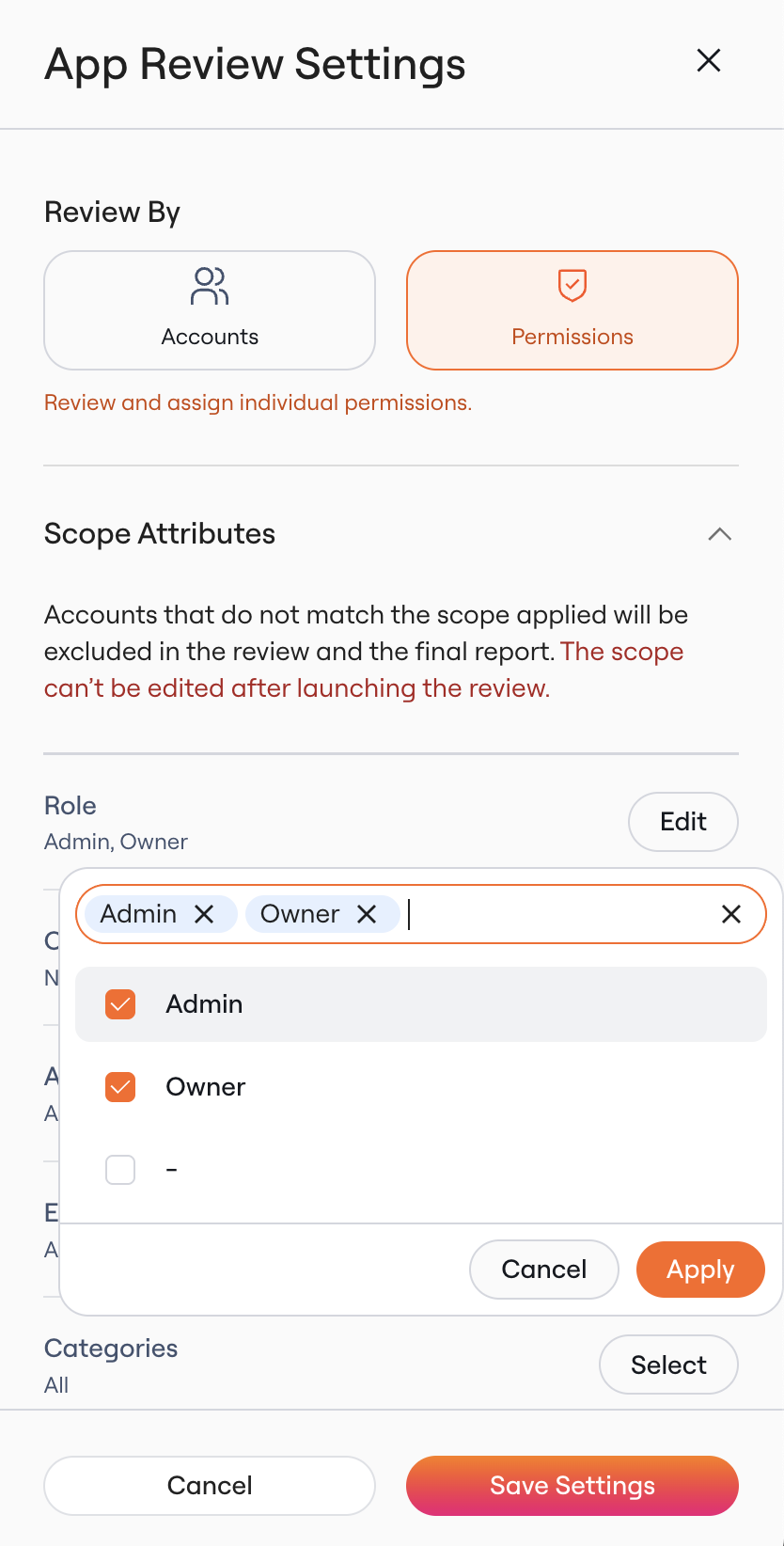
- Data from direct Lumos integrations (I.e. Role)
- User data (I.e. Team)
- Data from your IdP (I.e. Groups in Okta)
- Manually enriched columns (e.g., Permission Tags)
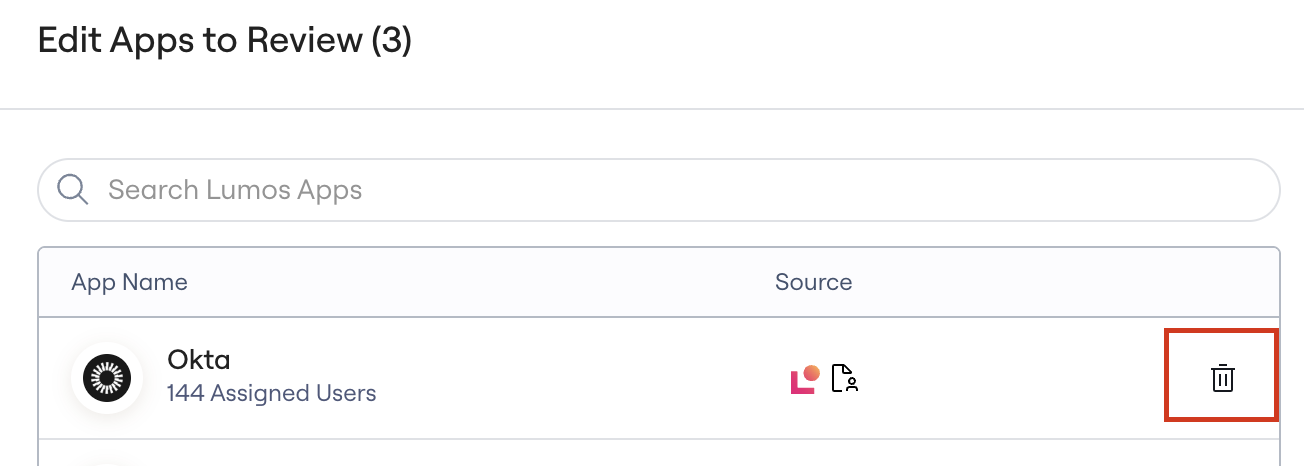
How to remove apps
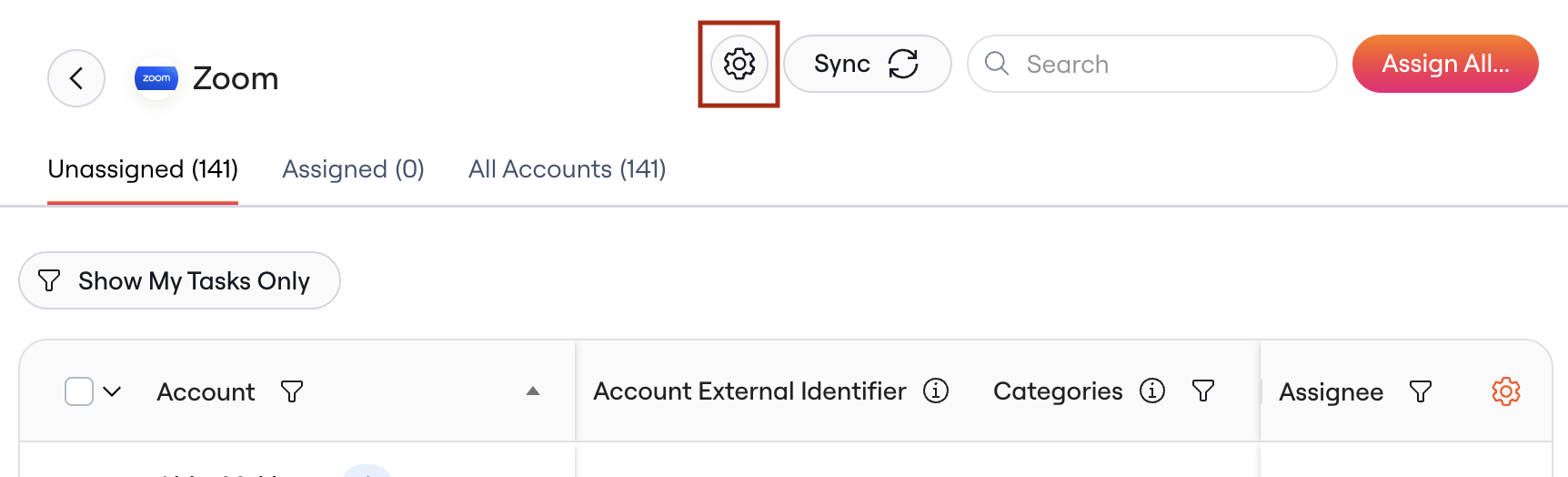
To remove an app from the review, follow the steps below. 1. Click “Edit Apps”.