

Background
You’ve created your Access Review (see Creating a New Access Review) and scoped it. To refresh the data or include or exclude accounts, sync the latest data and edit the scope from within the Access Review.How to update Access Review data
1. Click on Sync within the App’s Access Review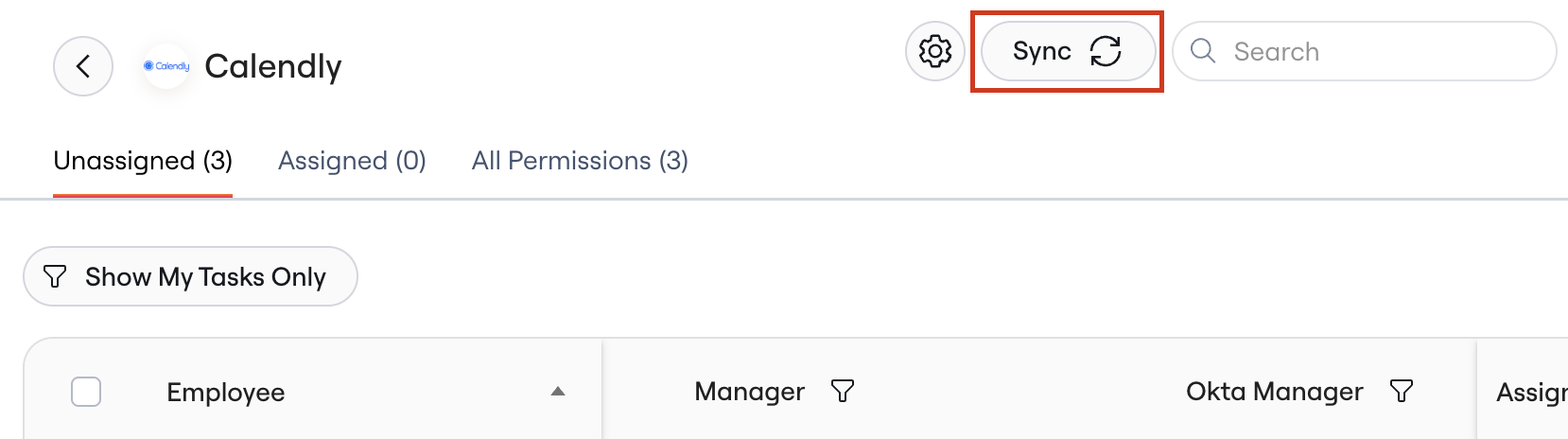
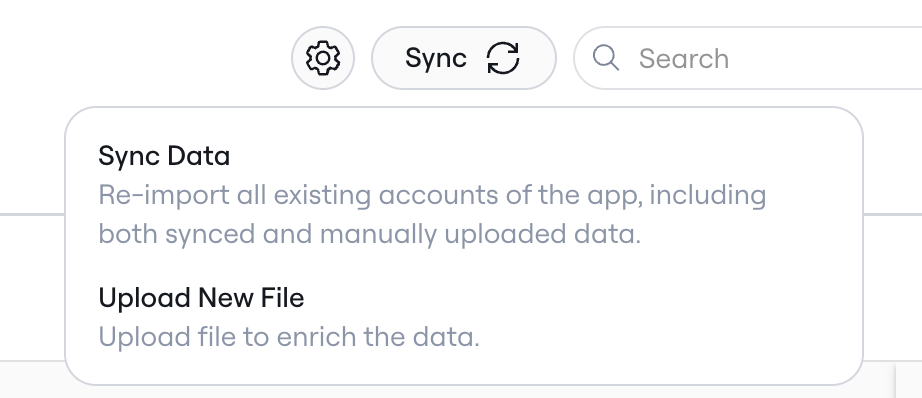
-
Sync Data: Re-imports available accounts of the app including both synced and manually uploaded data
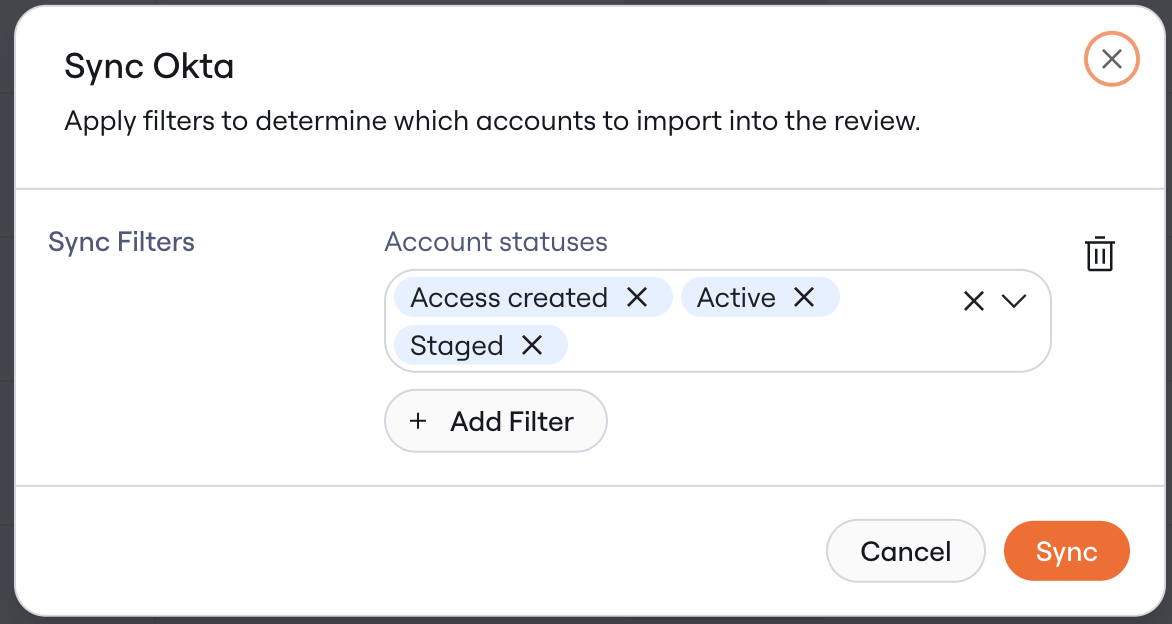
- You can edit the scope the Access Review prior to syncing by editing, adding, or deleting filters across available app attributes
-
Click Sync after making your selections
- Upload new file: Overwrite existing accounts with accounts from the newly uploaded file.