Background
This article breaks down the Team field in yourSource of Truthincluding how and why you set it, the impact of making changes to it, and common questions or issues.Purpose and function
The Team field helps inform many important workflows in Lumos. You’ll see the Team value show up:- As a column in your Access Reviews to help reviewers understand more about the employee when making decisions.
- In access requests made from the AppStore to provide useful context during approvals. SeeApproving Access Requests
- When targeting the scope of an access review to specific teams. SeeScoping Your Access Review
- When viewing the list of user accounts discovered for an individual application.
- For segmenting spend in the Lumos analytics dashboard.
Editing Team settings
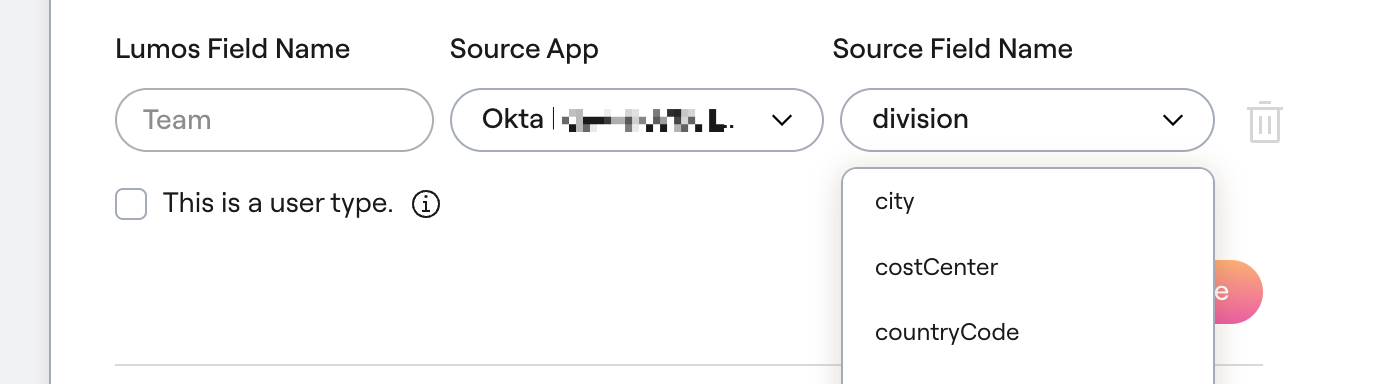
1. Go to your Source of Truth settings.
2. Find the Team section and click “Edit”.

3. Choose the Source App that holds the most accurate user data.
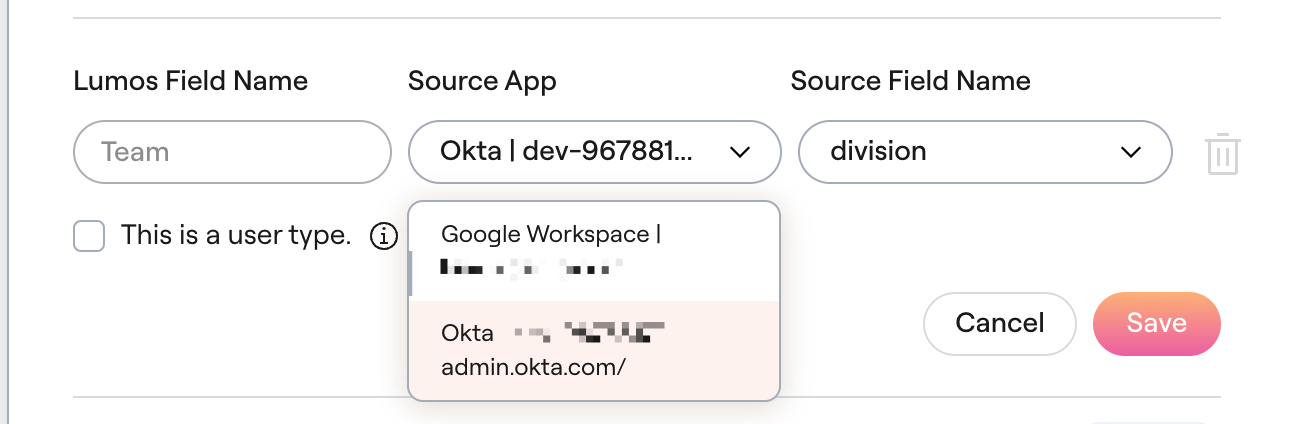
4. In the Source Field Name, choose the name of the field that holds the team data and click “Save”.