

Accessing the Notification Catalog
Navigate to Settings > Notifications > Notifications Catalog: https://app.lumosidentity.com/settings/notifications/catalogBrowsing Notifications
The catalog is organized into a sidebar on the left and a preview panel on the right.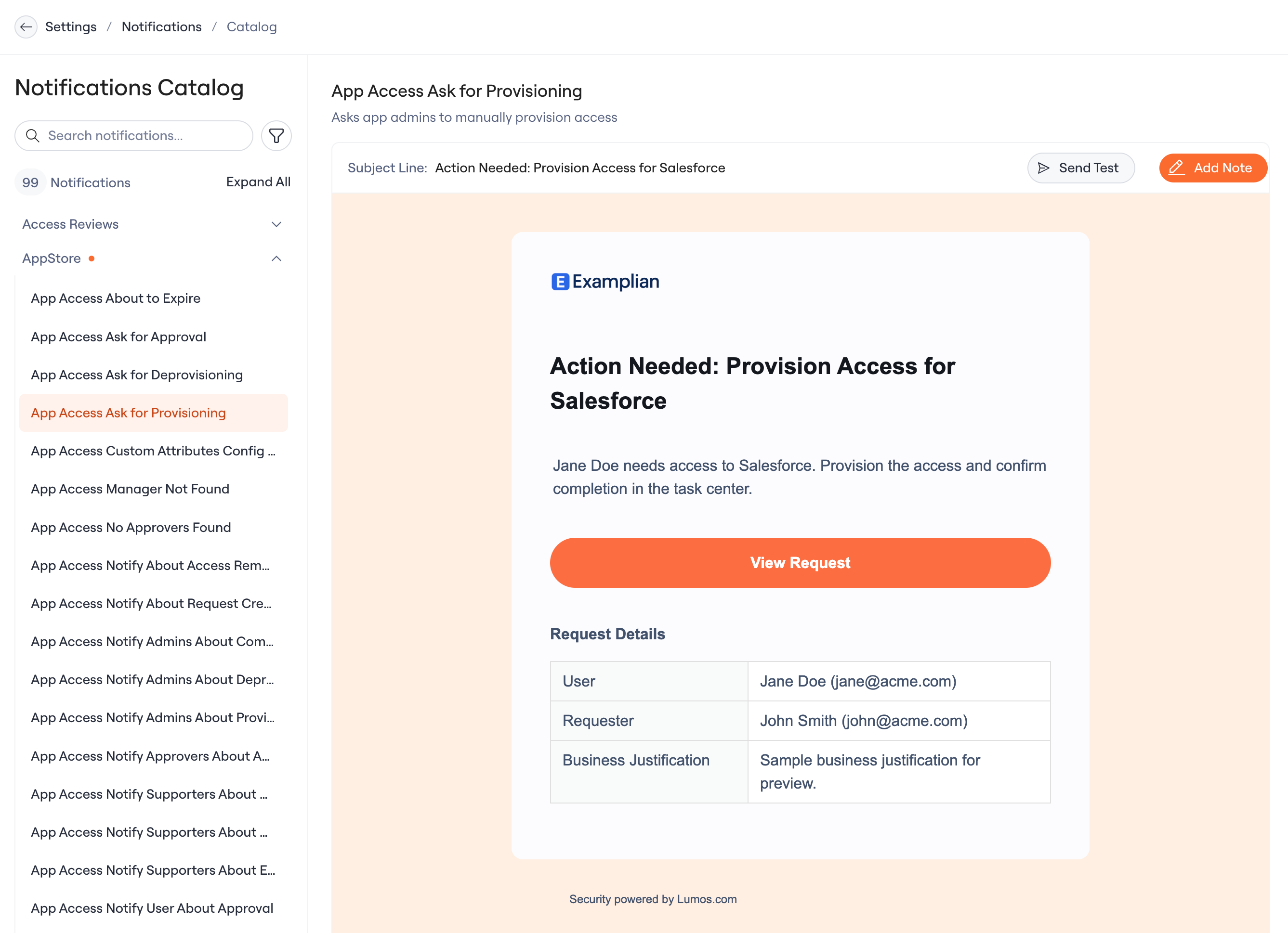
Sidebar
Notifications are grouped by product area — Access Reviews, AppStore, Onboarding, Offboarding, and more. Each group shows the number of notifications it contains.Previewing a Notification
Select any notification from the sidebar to see its details in the preview panel:- Name and description — what the notification is and when it’s sent
- Subject line — the email subject recipients will see
- Email preview — a full rendering of the email with sample data