After this article
You’ll understand your options for branding the Lumos UI with your own name or logo.Custom logo
The logo in the upper left corner of the Lumos UI can be changed to your company logo.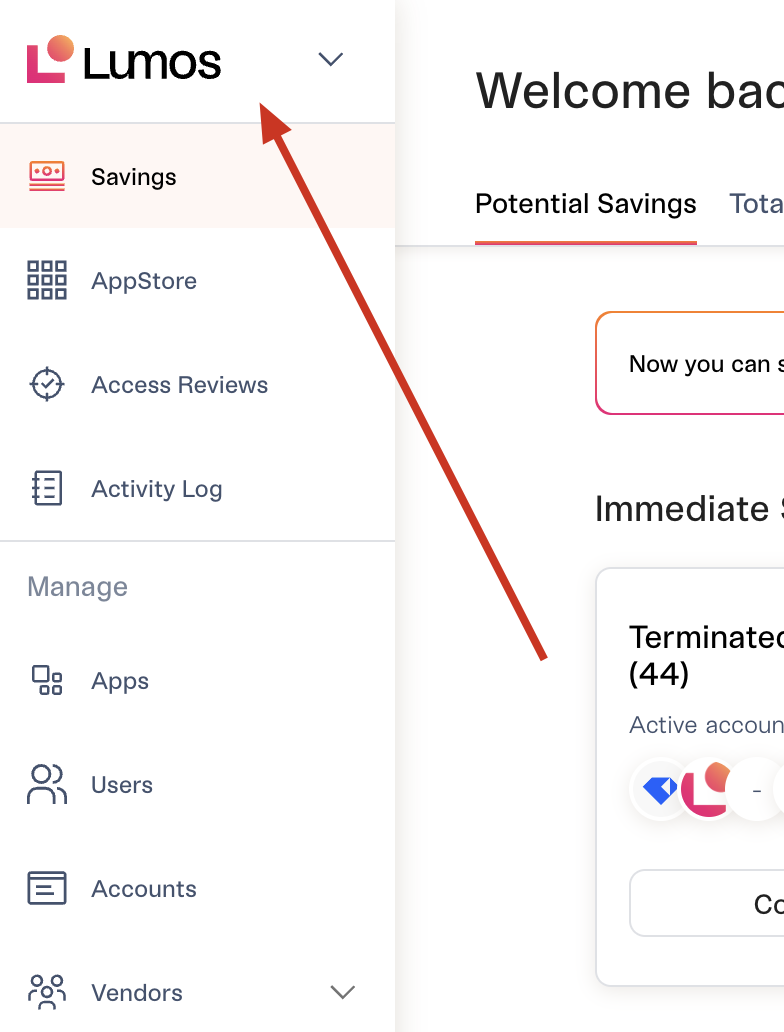
- Transparent PNG with no negative space
- Recommended height is 32px
- Recommended shape is rectangular (3:1 length to width ratio)
Slack app
Many companies rename the Lumos AppStore Slack bot to something else (e.g. “[COMPANY] AppStore”). To do this, follow the steps below: 1. Right-click on the Lumos Slack app and click “View app details”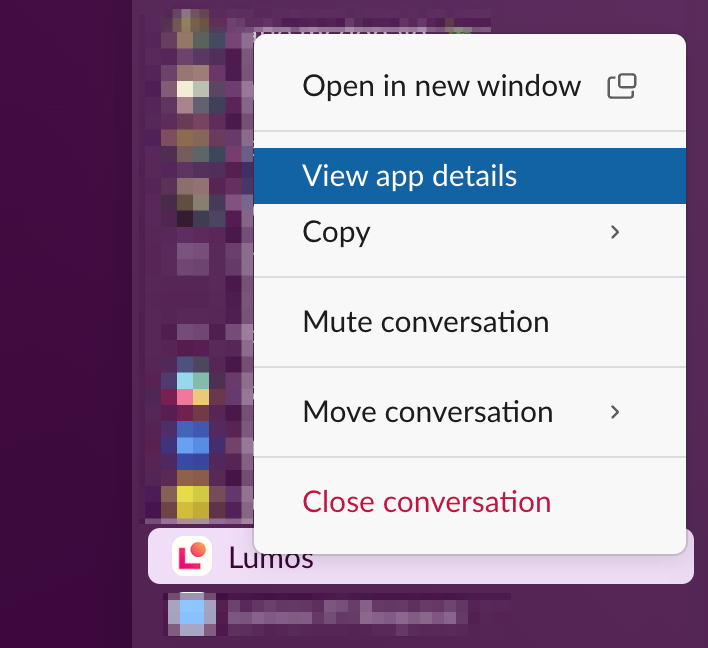
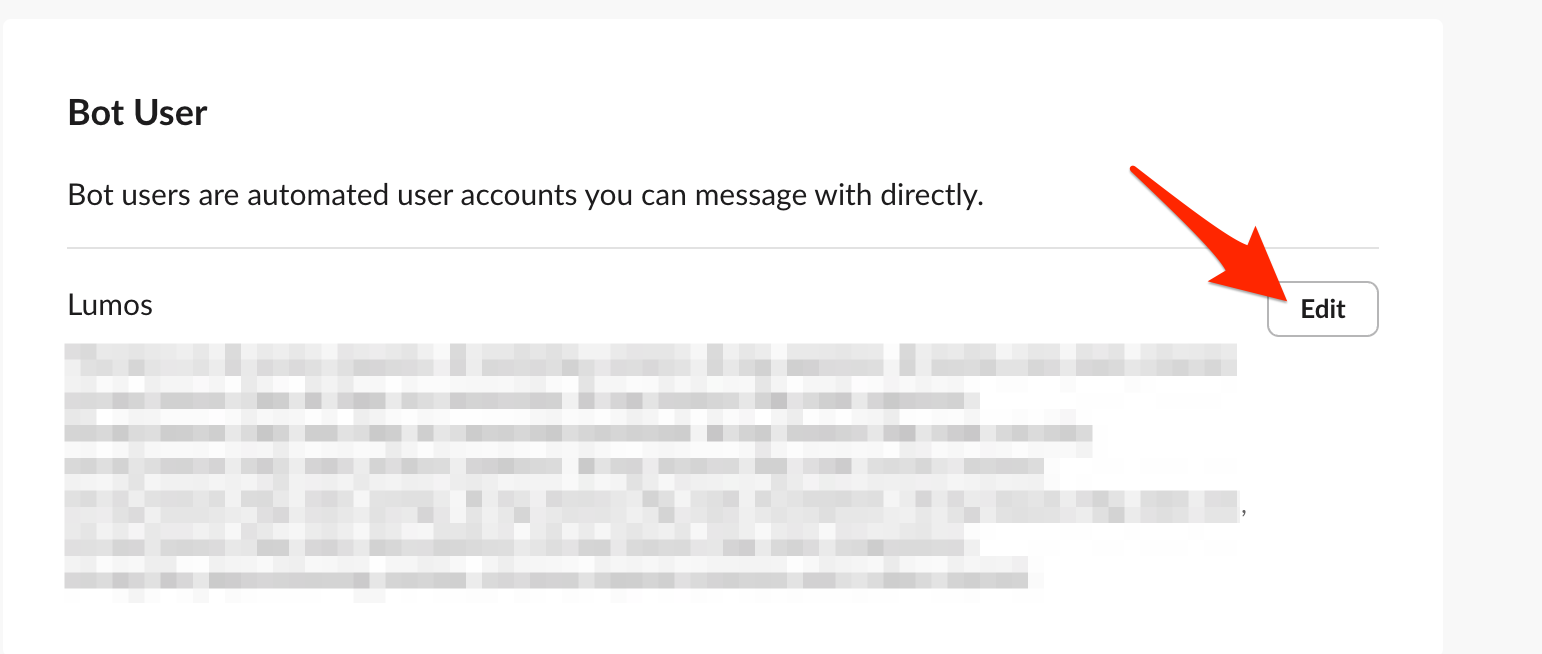
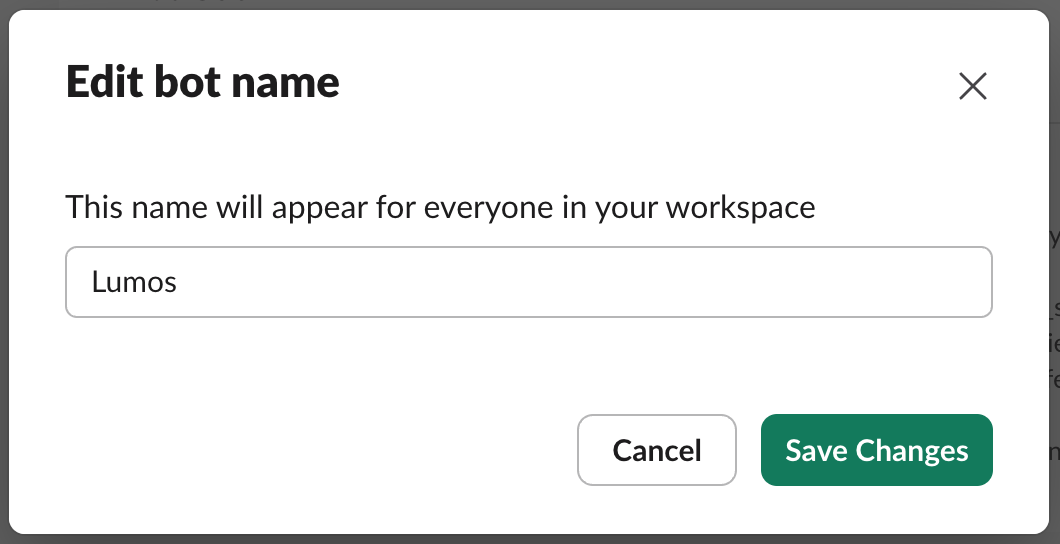
Your IdP tile
In your IdP, you can give the Lumos tile any name. You can also use any logo, including the logo below.