What does it mean for an account to be excluded?
This means that these accounts are “filtered” out of an offboarding. Lumos will not take any action (automated or manual) for this terminated employee.How does an account get excluded?
There’s a few ways that this can happen.1. Lifecycle Management Settings
You may have configured Apps to Include here, which will automatically begin sorting what apps to be included as part of your offboarding scope: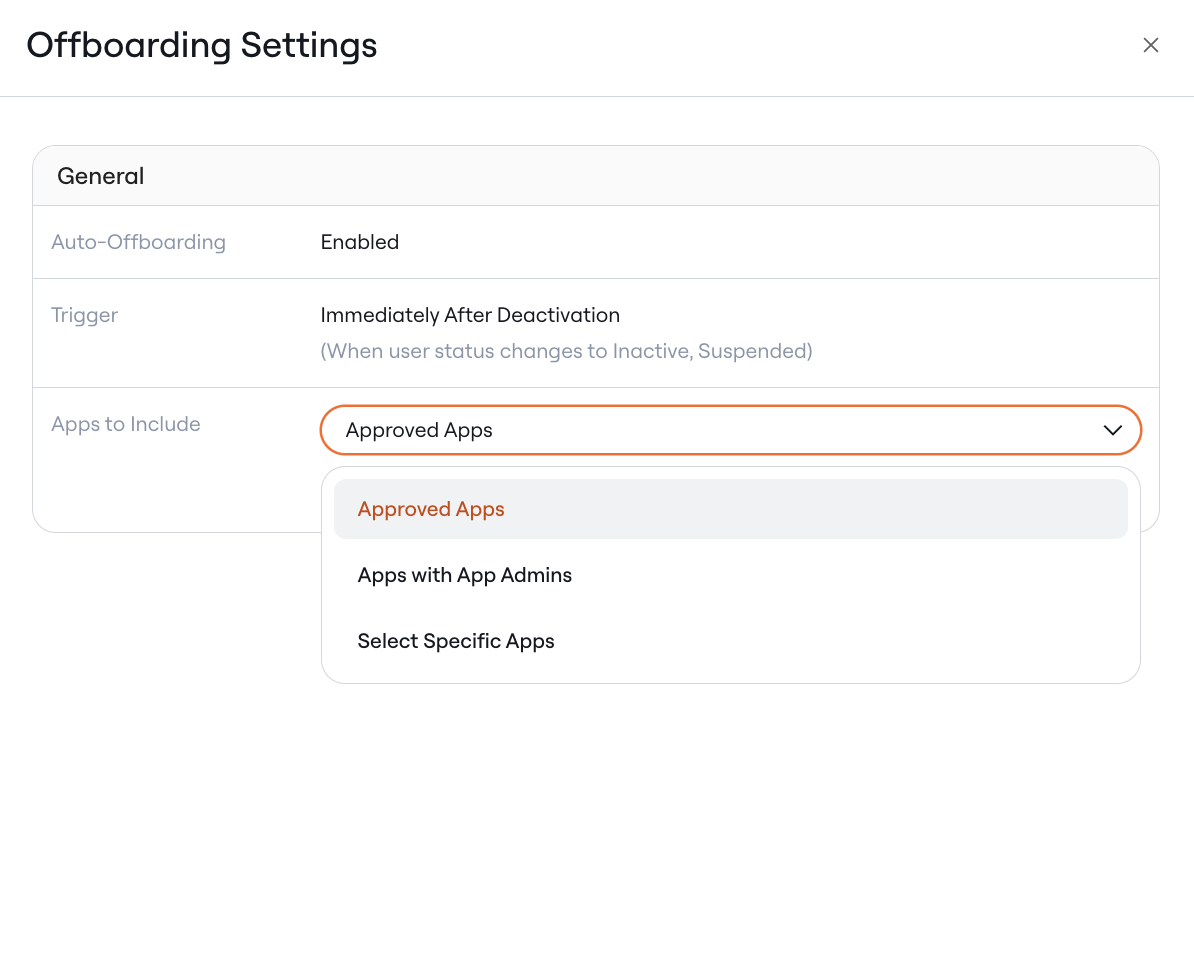
- [Default] Apps with App Admins - any apps without admins will be excluded from offboardings.
- Approved Apps - any apps that do not have a status of “Approved” will be excluded from offboardings.
- Select Specific Apps - any apps that aren’t explicitly selected will be excluded from offboardings.
2. No Offboarding Workflow Configured
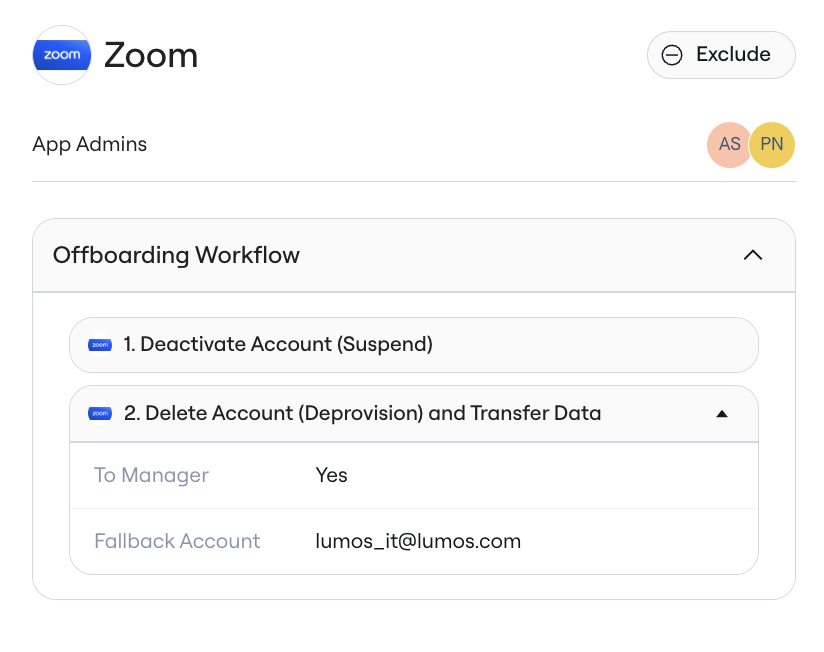
If you have configured no steps to run on your app, or on the account in the modal, this will exclude the account as Lumos has no prescribed actions that it will take when offboarding is run. This is often how Lumos customers have configured offboarding managed by SCIM in other systems like Okta. This looks like this in the Single App page:

3. One-Off Exclusion
If you are running an offboarding manually or scheduling it, you can also Exclude the app by clicking the button on the Offboarding modal.