

Overview
The Terminated User agent identifies access that is still active for terminated employees across your connected systems and helps you deprovision it. It is one of the Identity Agent Force agents. For the big picture and how agents work, see the Identity Agent Force Overview.What it analyzes
The agent compares your source of truth for employment status against active access across connected applications, and surfaces accounts and entitlements that should have been removed when a person left. Unlike a point-in-time access review, it runs continuously, so lingering access is caught as it appears rather than at the next review cycle.- Active accounts and entitlements that belong to terminated identities.
- Access that survived an offboarding workflow or was granted outside of it.
- Lingering access on applications that are not part of a scheduled review.
What you will find
Each finding identifies the terminated identity, the access that is still active, and where it lives, with a remediation workflow to remove it. Because these Issues name real accounts, the workflow can remove access through the app’s connector where one is set up. Findings that fail verification (for example, access that was already removed) are dismissed automatically.Connect and get started
- Make sure the relevant applications and your HR source of truth are connected and synced, so the agent can compare employment status against active access.
- Create an agent with the Terminated User specialization (see the overview for the create flow).
- Open the Identity Agent Force page to review findings, assign owners, and launch each Issue’s remediation workflow.
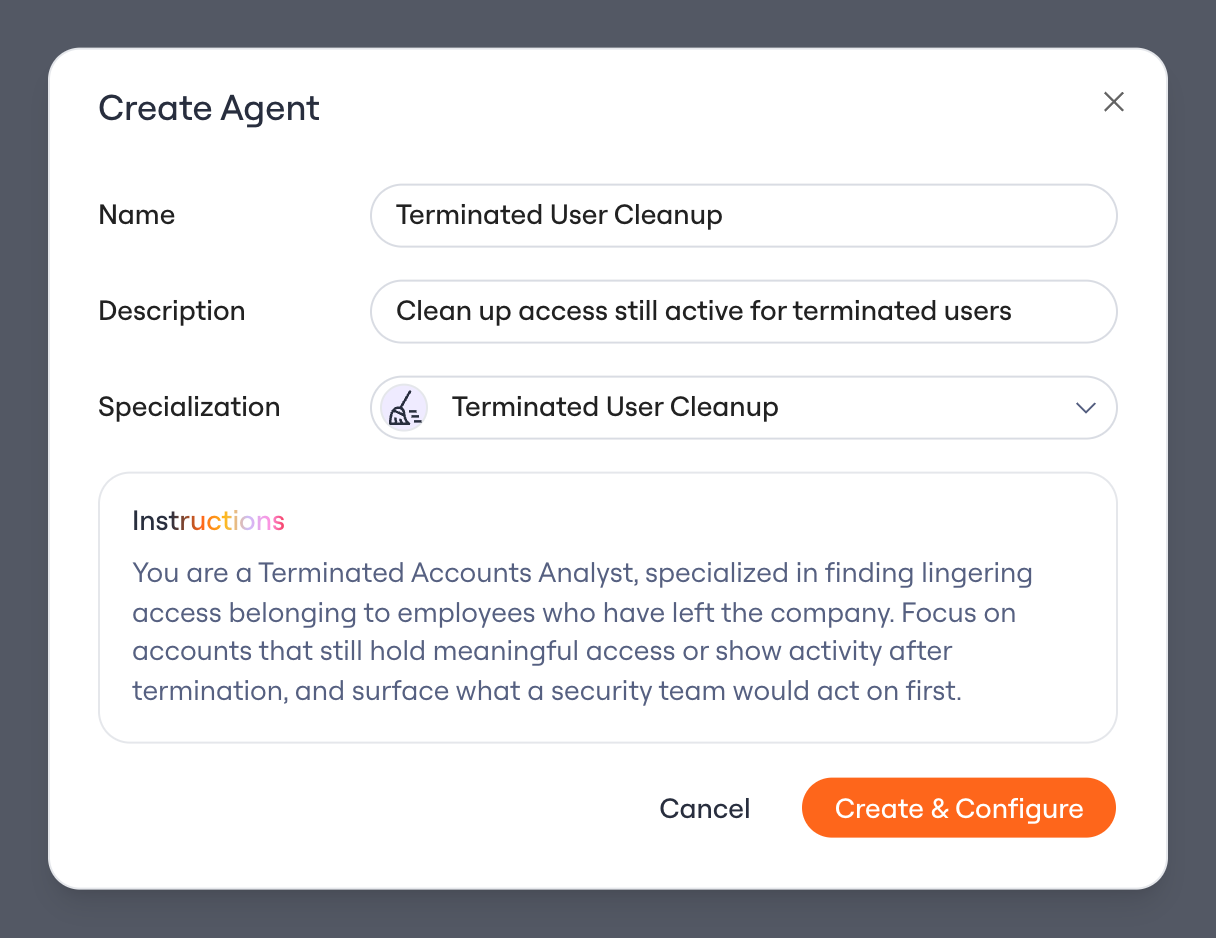
Creating the Terminated User agent