
After this article

You’ll understand how to use the Lumos Activity Log to report on AppStore tasks.

Background

Auditors may ask you to prove that AppStore requests have the right approvals in place. The Activity Log records who approved each request and when.
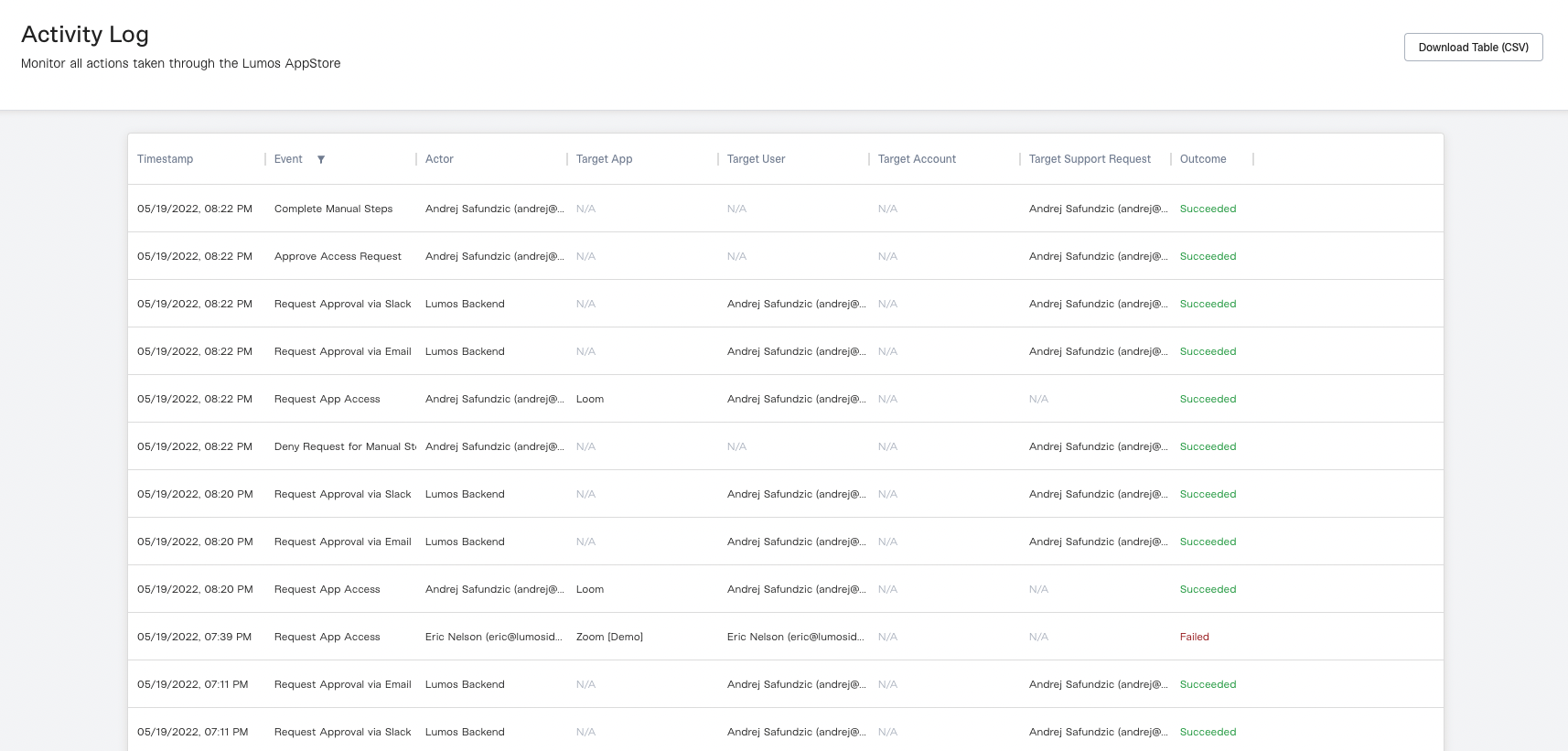
Lumos Activity Log

Finding the Activity Log

Lumos admins can find the Activity Log in the sidebar of the AdminView.

Downloading The Activity Log

To export the Activity Log to a CSV file, click the “Download Table (CSV)” button in the upper right corner of the Activity Log page.

Activity Log Events

Below is a breakdown of the different events in the Activity Log and what they mean.