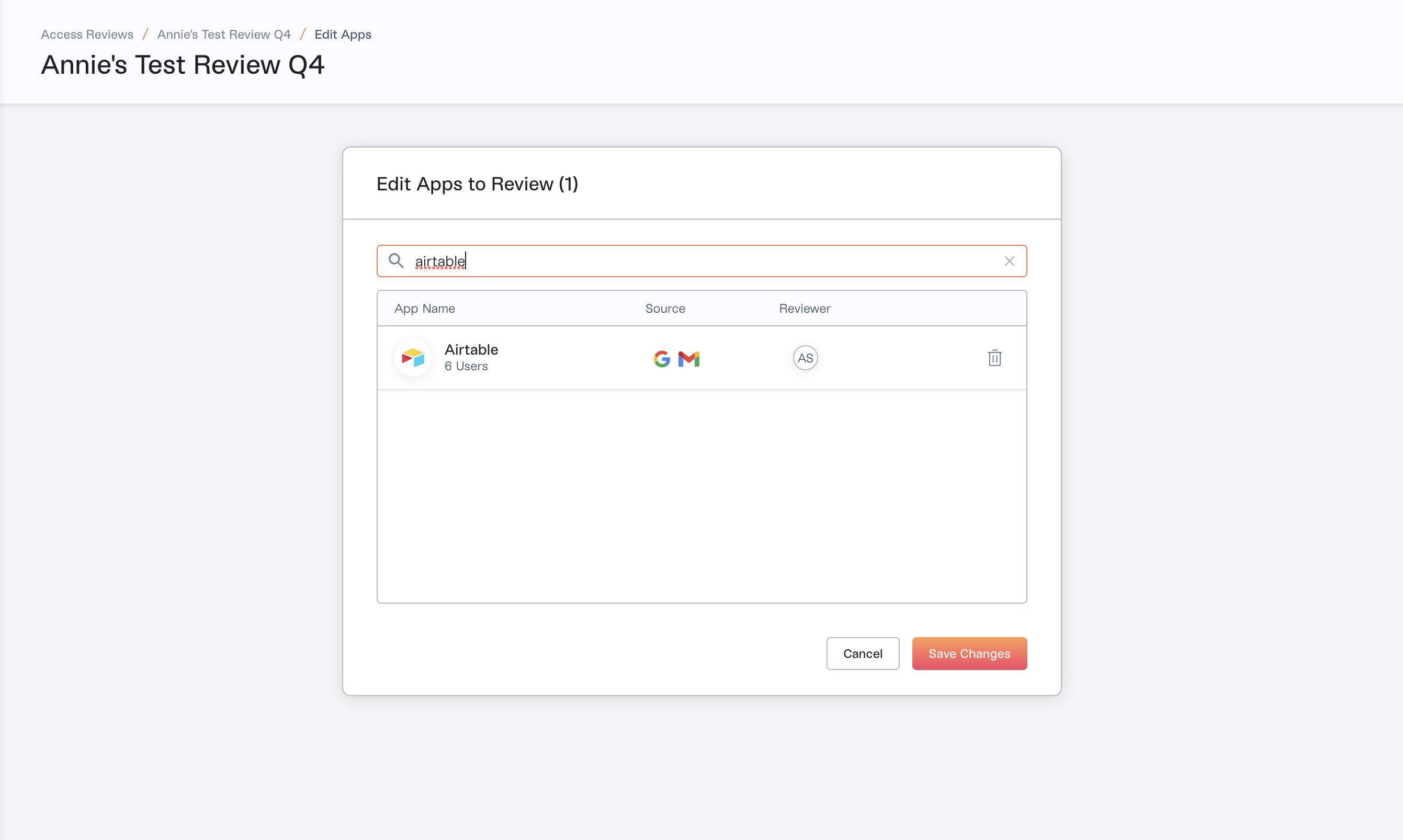
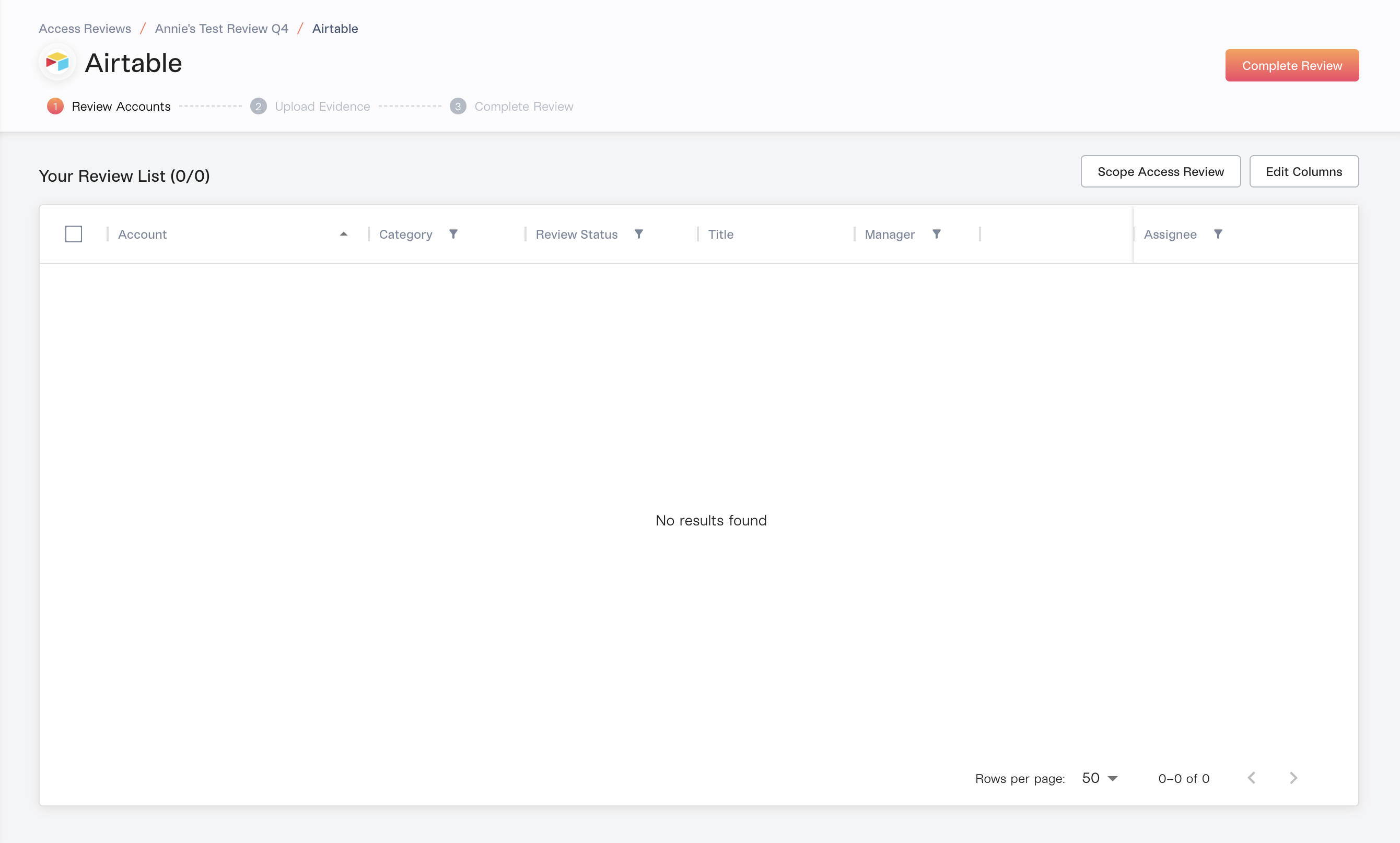
To find the cause, check the source of the app selected in the first screenshot:
When an app is email-sourced, it will not yield any accounts, because those accounts are Discovered.Lumos discovers them through OAuth tokens or email subject headers and can’t validate that they have an active account, so they’re filtered out of the Access Review.For Access Reviews, use apps sourced from your IdP (Okta, OneLogin, Microsoft Entra ID) or directly integrated Lumos apps.