

Background
Albus is the AI assistant built into Lumos. From Albus Chat, you can ask questions about your apps, accounts, entitlements, and identities in plain language, generate access matrices for role mining, and get answers backed by your live Lumos data. This article covers what Albus Chat does and how to use it. To give Albus persistent context it can reuse across conversations, see the Knowledge Hub article.When to use Albus Chat
- Understand who has access to what across your apps without building a report.
- Run a role-mining access matrix for a team or application.
- Investigate identities, entitlements, or access-request history.
- Produce a chart or an exportable summary for a stakeholder or an audit.
Prerequisites
- You’re an organization admin, including a read-only organization admin. Albus isn’t available to app admins or end users.
- Albus is enabled for your organization. If you don’t see Ask Albus in the left sidebar, confirm your role with your Lumos administrator, then contact your Lumos account team.
- Your integrations are connected and synced, so Albus has data to work with.
How to use Albus Chat
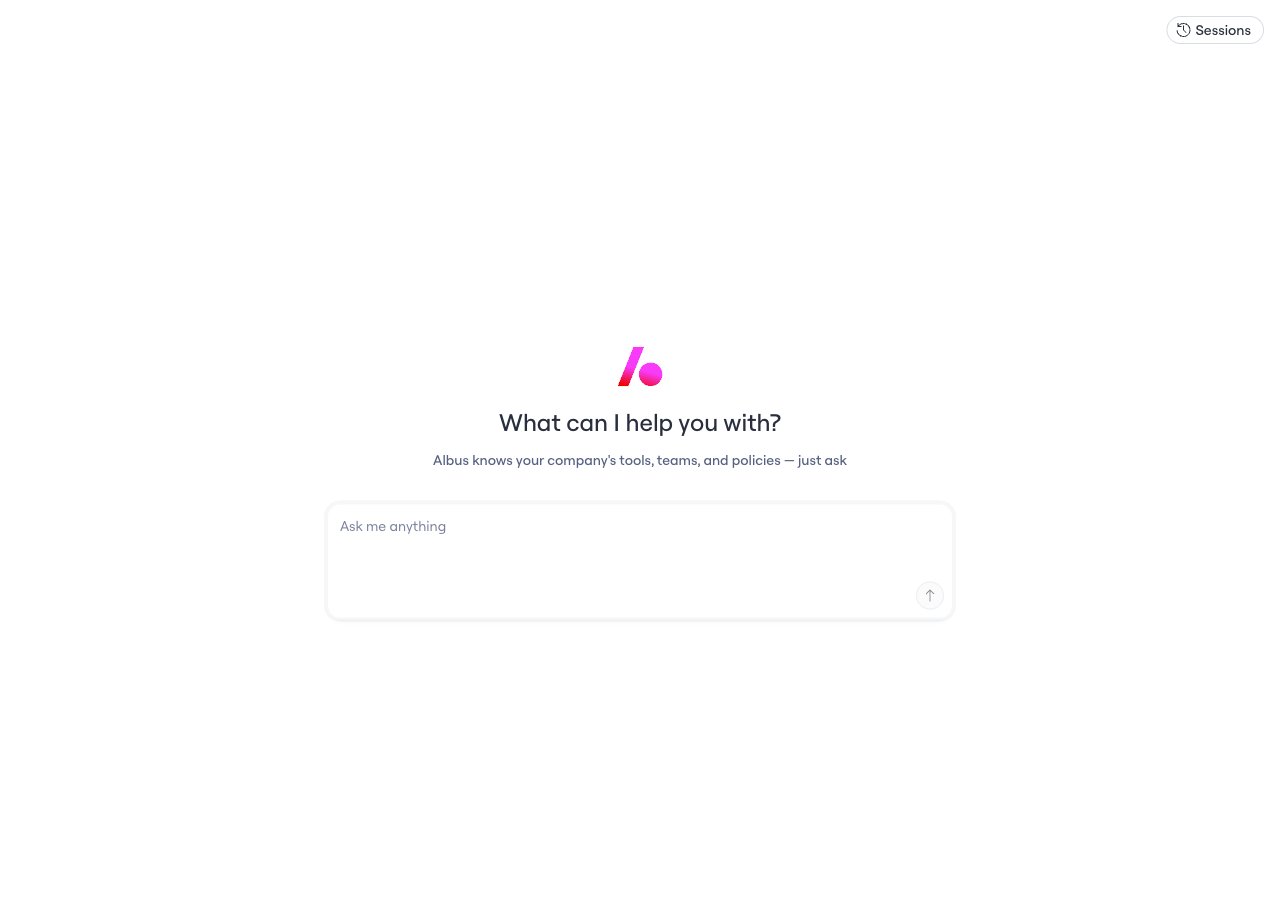
Albus chat: "What can I help you with?"
- Click Ask Albus in the left sidebar.
- Enter your question in plain language, for example “Show the access matrix for the Sales team.”
- Review the answer. Albus considers all available identity attributes automatically, so you do not need to select specific attributes first.
- To add context for a question, attach a file with the + button in the chat composer. Supported formats are text and data files: CSV, TSV, TXT, JSON, Markdown, YAML, XML, and logs (up to 10 MB each, 5 files per message). Attached files are scoped to that conversation.
- To visualize a result, ask Albus for a chart. Albus renders interactive charts (bar, horizontal bar, line, area, donut, and sankey) inline.
- To share a result, export it to PDF or Markdown.
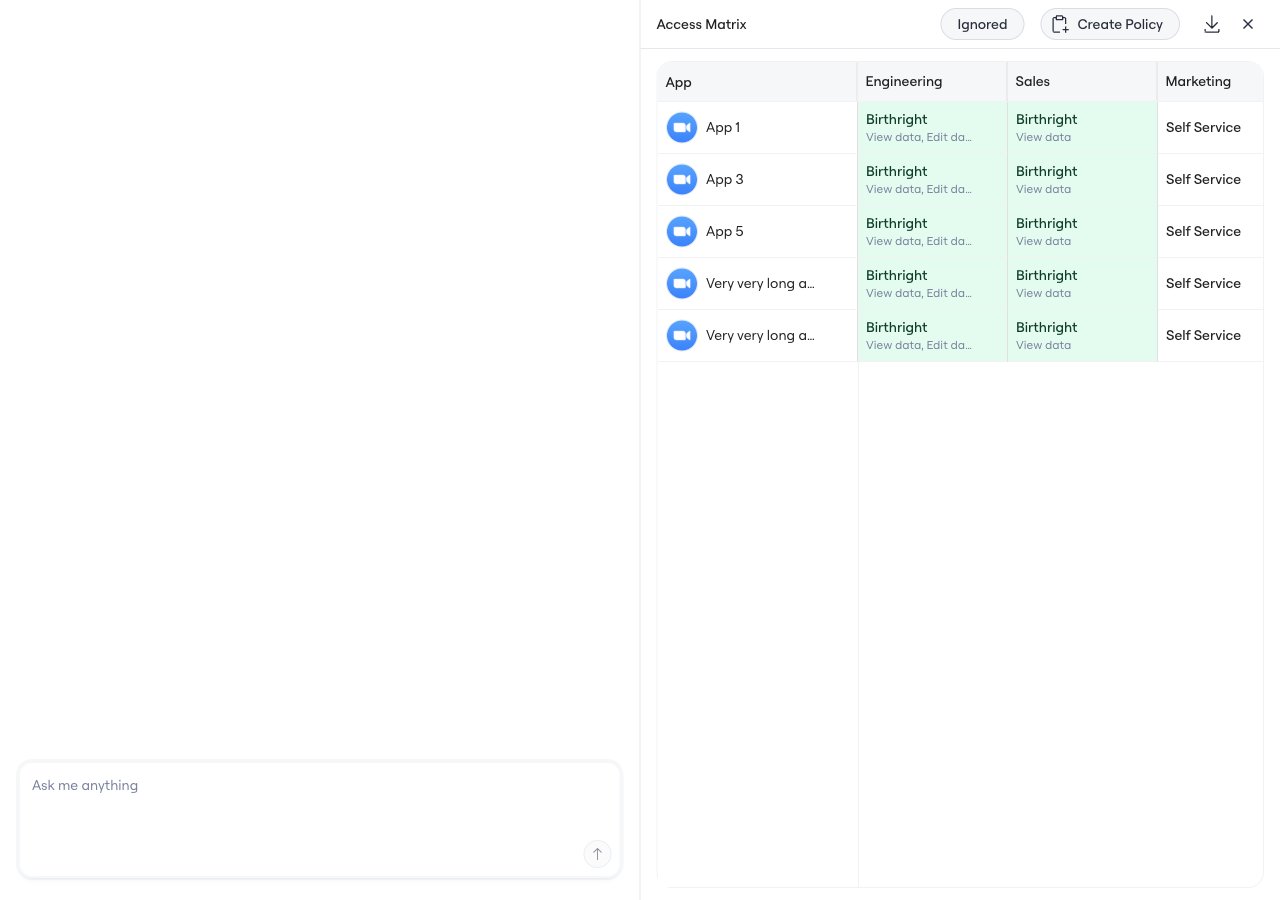
Access matrix generated in Albus chat
Visualize your data
Albus can turn an answer into a visual, rendered inline in the conversation:- Interactive charts — bar, horizontal bar, line, area, donut, and sankey. Hover any bar or point to see its value.
- Diagrams — flowcharts, sequence diagrams, and relationship or hierarchy graphs, such as access and org graphs.
- Structured reports and artifacts — formatted Markdown reports and tables, plus downloadable file and text artifacts you can take out of the chat for a ticket, a deck, audit evidence, or a Slack share.
What data Albus can access
Albus is grounded in the real assignment, usage, and access-request data already in your Lumos environment, so it knows your tools, teams, and policies. It can draw on:- Your app and integration inventory, including multi-instance apps.
- Accounts and identities, both human and non-human (service principals, IAM roles, and machine credentials).
- Entitlements, permissions, roles, and group memberships across connected apps.
- Identity attributes from your HR source of truth, such as department, worker type, employment status, and manager relationships.
- Assignment and activity signals, including who has access and last-login or inactivity data.
- Access requests, approvals, and approver history.
- Knowledge Hub context you have added, such as policies, naming conventions, and documentation.
Limitations
- Albus answers from data synced to Lumos. If an integration is not connected, Albus cannot see it.
- Newly synced data may take time to appear in Albus after a sync completes.