> ## Documentation Index
> Fetch the complete documentation index at: https://docs.lumos.com/llms.txt
> Use this file to discover all available pages before exploring further.
# Entra NHI Security Analyst Agent
## Overview
The Entra NHI Security Analyst examines the non-human identity landscape in Microsoft Entra ID and surfaces the combinations of factors that create real, exploitable risk. It is one of the Identity Agent Force agents. For the big picture and how agents work, see the [Identity Agent Force Overview](/kb/identity-intelligence/identity-intelligence-overview).
## What it analyzes
The agent examines the full non-human identity landscape in Entra ID across five data domains.
| Data domain | What it extracts |
| - | - |
| Service principals and app registrations | Credential lifetimes and rotation history, ownership status, multi-tenant audience configuration, sign-in activity and staleness, enabled or disabled state |
| Directory admin roles | Role assignments scoped to non-human principals (Global Administrator, Application Administrator, Exchange Administrator, and similar), and directory-wide vs. administrative-unit-scoped assignments |
| Microsoft Graph API permissions | Application permissions that have been granted via admin consent, which are the permissions that are actually exploitable |
| OAuth2 delegated grants | Admin consent vs. user consent grants, AllPrincipals (tenant-wide) consent, and dangerous scope combinations (Directory.ReadWrite.All, Mail.Send, User.ReadWrite.All) |
| Conditional access and workload protection | Policies that target workload identities, and coverage gaps where privileged NHIs operate without any policy enforcement |
The agent deliberately excludes identities that are not actionable findings: vendor-managed multi-tenant service principals (Microsoft, Salesforce, Okta, where multi-tenancy is by design), Microsoft first-party service principals, disabled service principals, and actively-used NHIs with properly managed credentials.
## What you will find
| Severity | Example findings |
| - | - |
| Critical | Self-escalating permissions plus permanent credentials plus no lifecycle management. The identity can grant itself full directory control and no one is watching it. |
| High | Administrative privilege plus multiple neglect factors (ownerless, stale, long-lived credentials), including applications provisioned urgently and then forgotten. |
| Medium | Zero workload conditional access, dangerous tenant-wide delegated grants, and credential policy violations on privileged NHIs. |
Findings that fail verification are dismissed automatically: permissions that were requested but never granted, expired credentials, and disabled identities never reach your team.
 ## Connect and get started
1. Connect Microsoft Entra ID. See [Connecting Microsoft Entra ID (NHI)](/integrations/library/non-human/entra-id-nhi). The analysis is read-only: it queries the Microsoft Graph API with scoped application permissions.
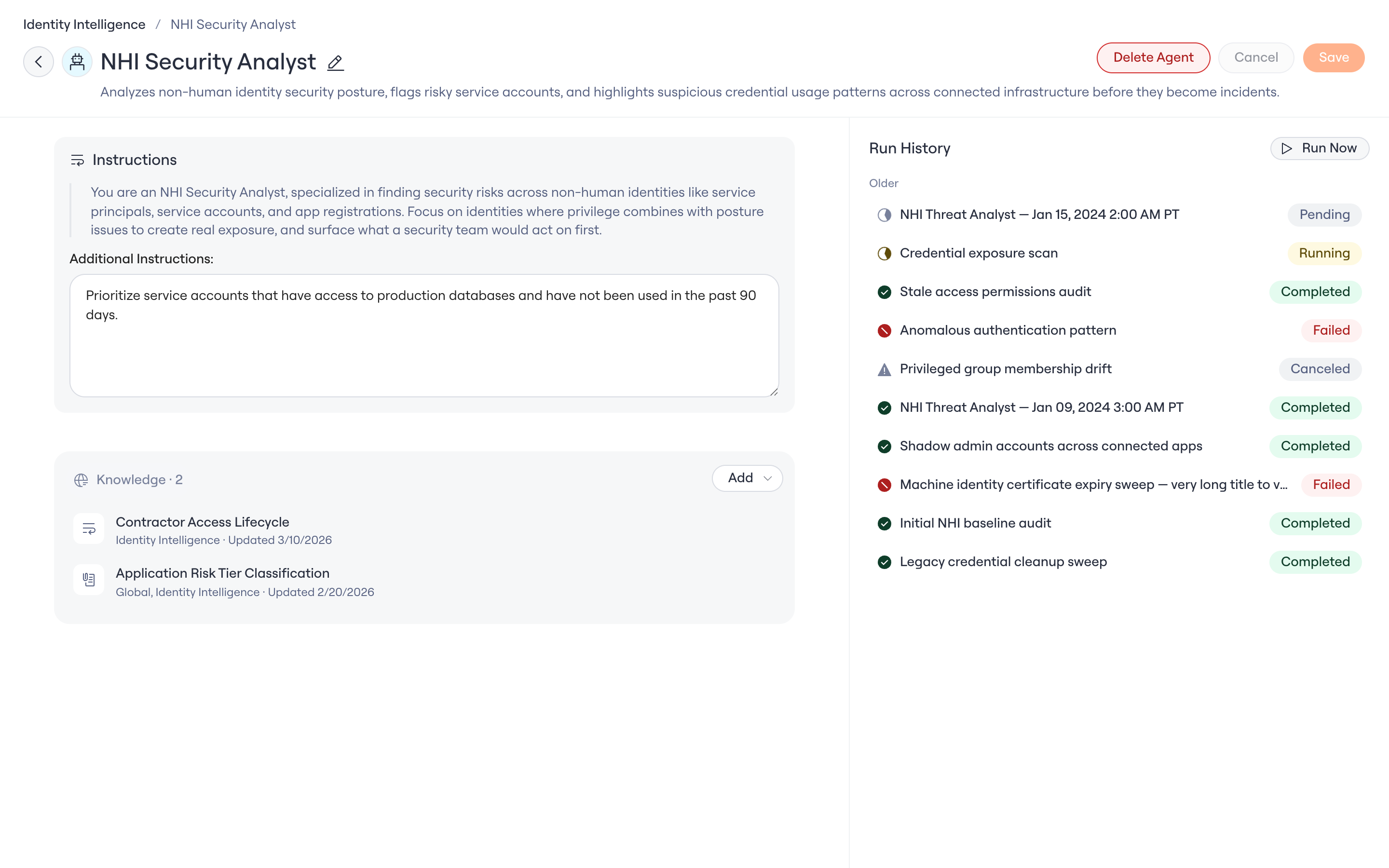
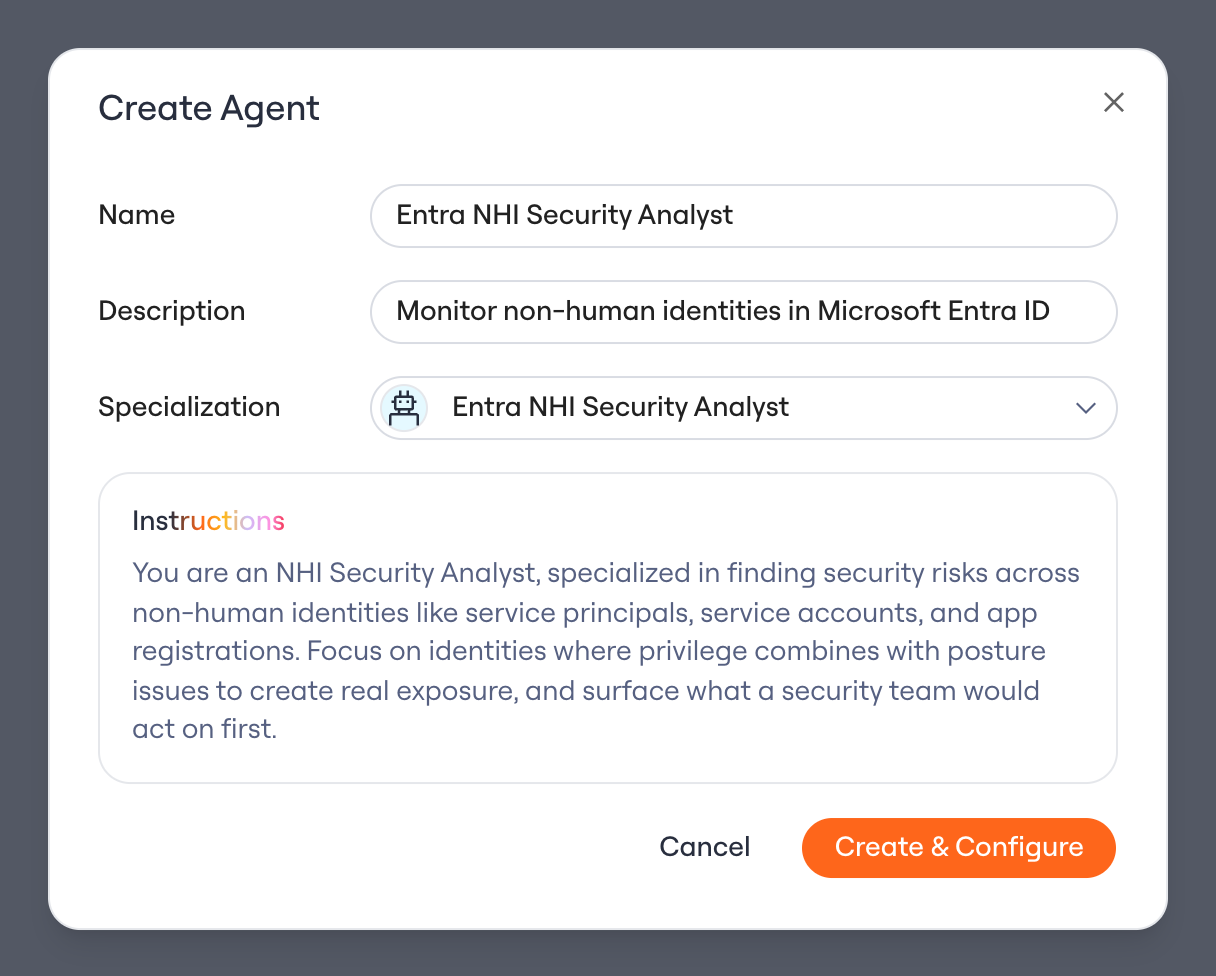
2. Create an agent with the **Entra NHI Security Analyst** specialization (see the overview for the create flow).
3. Open the **Identity Agent Force** page to review findings, assign owners, and launch each Issue's remediation workflow.
## Connect and get started
1. Connect Microsoft Entra ID. See [Connecting Microsoft Entra ID (NHI)](/integrations/library/non-human/entra-id-nhi). The analysis is read-only: it queries the Microsoft Graph API with scoped application permissions.
2. Create an agent with the **Entra NHI Security Analyst** specialization (see the overview for the create flow).
3. Open the **Identity Agent Force** page to review findings, assign owners, and launch each Issue's remediation workflow.
 Questions? Contact your Lumos account team or open a support ticket.