> ## Documentation Index
> Fetch the complete documentation index at: https://docs.lumos.com/llms.txt
> Use this file to discover all available pages before exploring further.
# ITSM Notification Reference
## Background
The emails being sent by Lumos to your ITSM follow a standard format regardless of the ITSM ([Connecting Your ITSM](/kb/appstore/configuring-your-appstore/connecting-your-itsm)) you connect. This article provides screenshots and descriptions of each type of email Lumos delivers when someone requests access to an app in the AppStore. *See* [Requesting Access to an App](/kb/quick_start_guide/appstore-1/appstore_explainers_for_new_employees_new_to_appstore/requesting-access-to-an-app)
## Subject
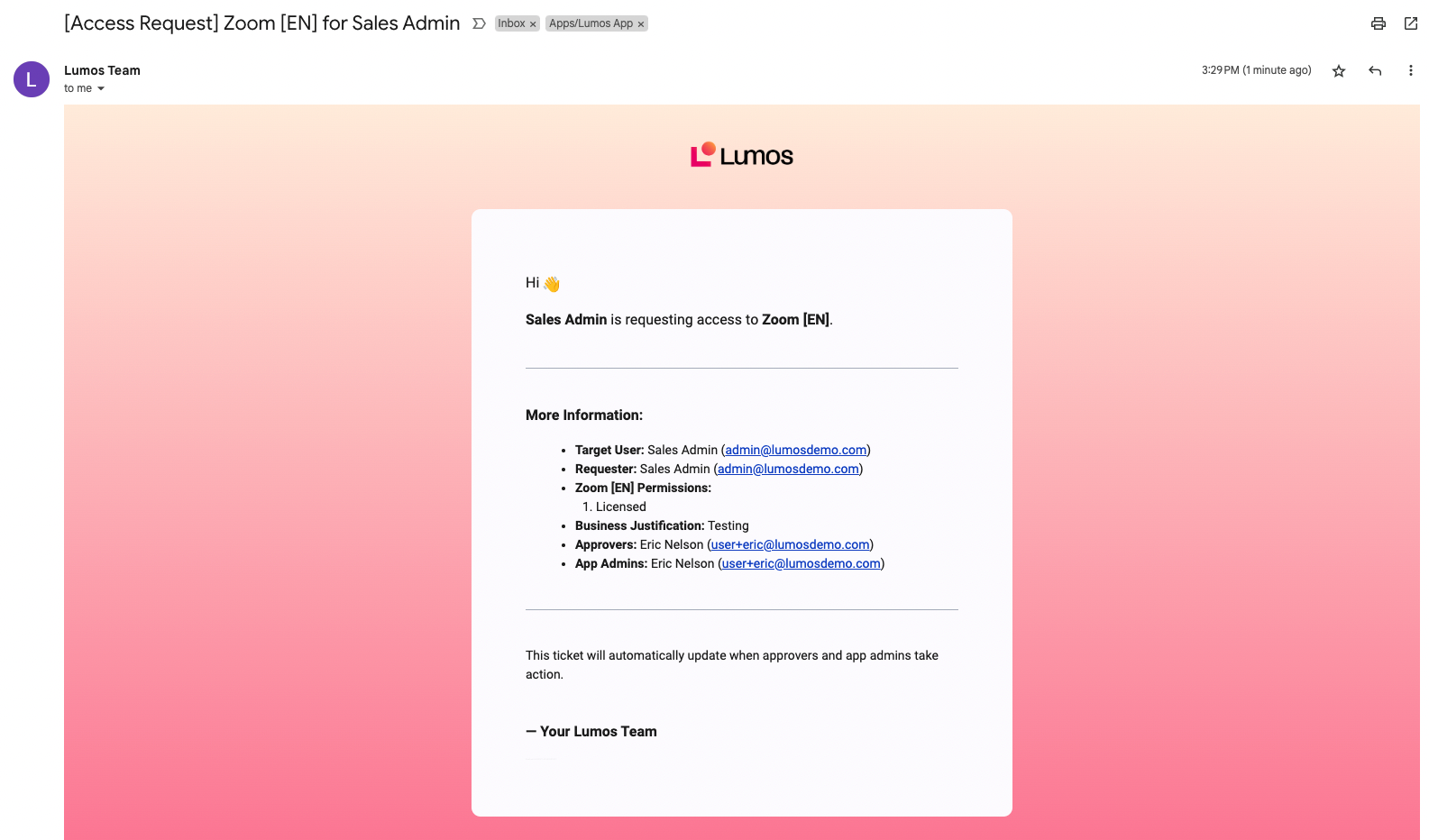
The subject of the email will be in the format `[Access Request] {App Name} for {Request Target}`.
**Example:** If Alice Smith requests Zoom for Bob Jones, the message will be "\[Access Request] Zoom for Bob Jones".
## Initial email
The initial email when a request is submitted contains key details about the request.
 ## Approval pending
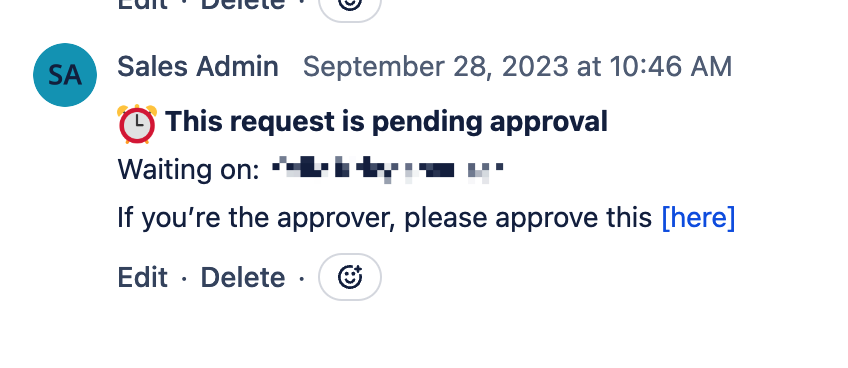
If the ticket is being logged to a **supported ITSM**, Lumos will add a comment denoting who the approval is waiting on. *See*[Connecting Your ITSM](/kb/appstore/configuring-your-appstore/connecting-your-itsm)
## Approval pending
If the ticket is being logged to a **supported ITSM**, Lumos will add a comment denoting who the approval is waiting on. *See*[Connecting Your ITSM](/kb/appstore/configuring-your-appstore/connecting-your-itsm)
 ## Approval confirmation
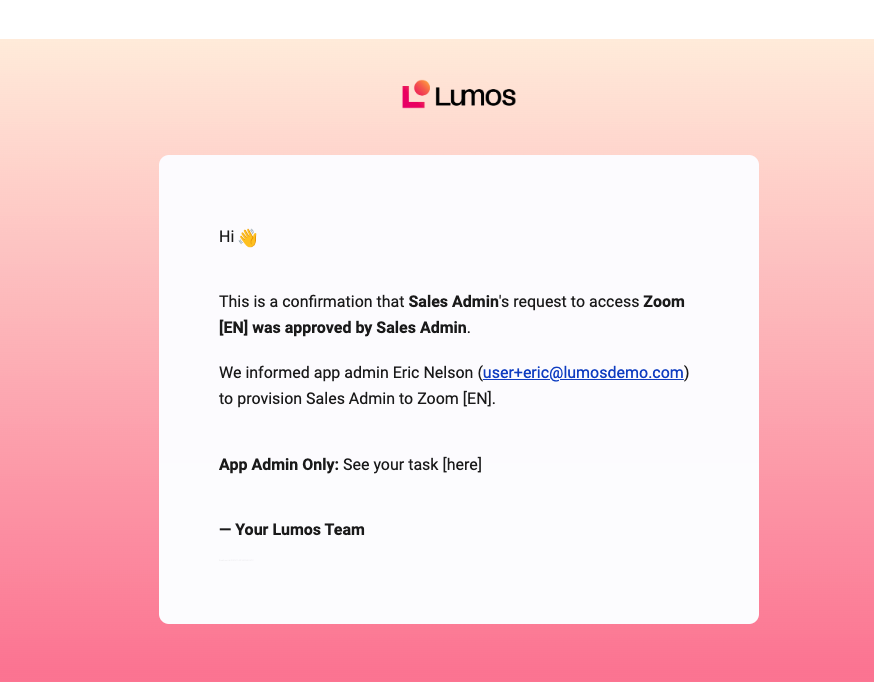
When a request is approved, a confirmation is sent regarding who approved the request.
## Approval confirmation
When a request is approved, a confirmation is sent regarding who approved the request.
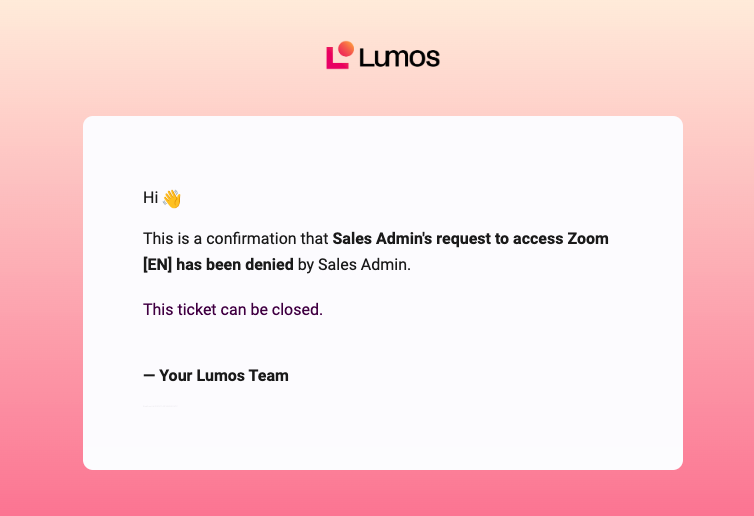
 ## Denial confirmation
When a request is denied, either at the approval or provisioning stage, a notification is sent.
If Lumos is set up to auto-resolve tickets, the ticket will be closed automatically when the request is denied.
## Denial confirmation
When a request is denied, either at the approval or provisioning stage, a notification is sent.
If Lumos is set up to auto-resolve tickets, the ticket will be closed automatically when the request is denied.
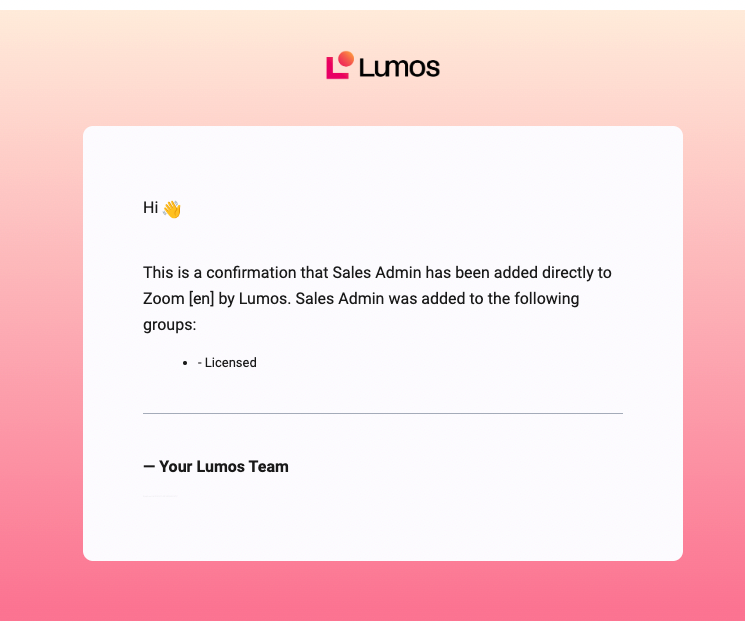
 ## Provisioning confirmation
When someone is added to a group automatically, a notification is sent attesting to the fact that provisioning was successful.
## Provisioning confirmation
When someone is added to a group automatically, a notification is sent attesting to the fact that provisioning was successful.
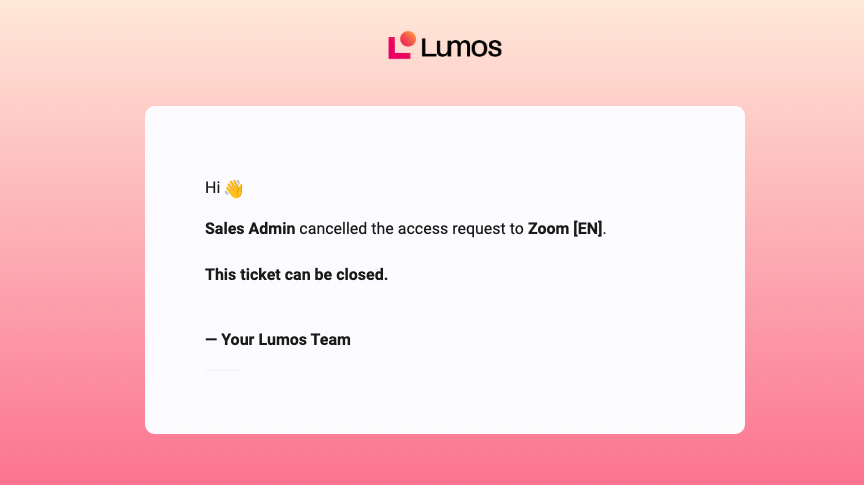
 ## Request cancellation confirmation
When the request is cancelled, a notification is sent confirming the cancellation. If the ticket can be auto-resolved, Lumos will do so after this message.
## Request cancellation confirmation
When the request is cancelled, a notification is sent confirming the cancellation. If the ticket can be auto-resolved, Lumos will do so after this message.
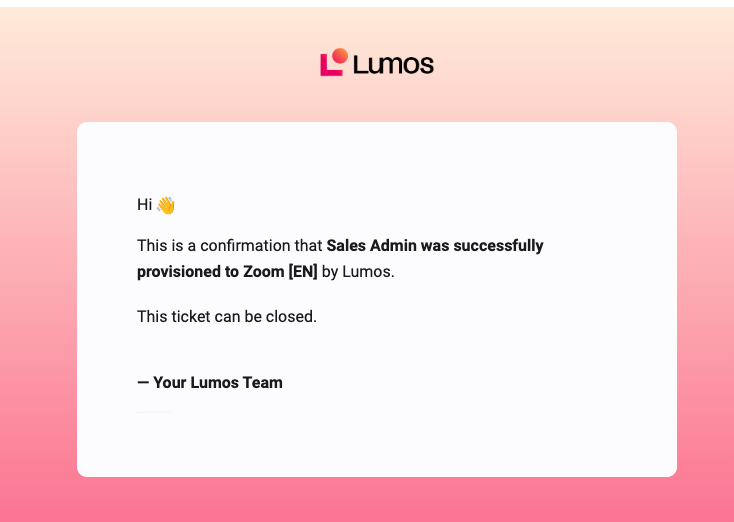
 ## Request completion confirmation
When a request is successfully completed, a notification is sent confirming that provisioning is complete. If the ticket can be auto-resolved, Lumos will do so after this message.
## Request completion confirmation
When a request is successfully completed, a notification is sent confirming that provisioning is complete. If the ticket can be auto-resolved, Lumos will do so after this message.
 ## Request expired
When a request expires, a notification is sent confirming that the request can no longer be acted on. If the ticket can be auto-resolved, Lumos will auto-resolve it after this action.
## Custom access request
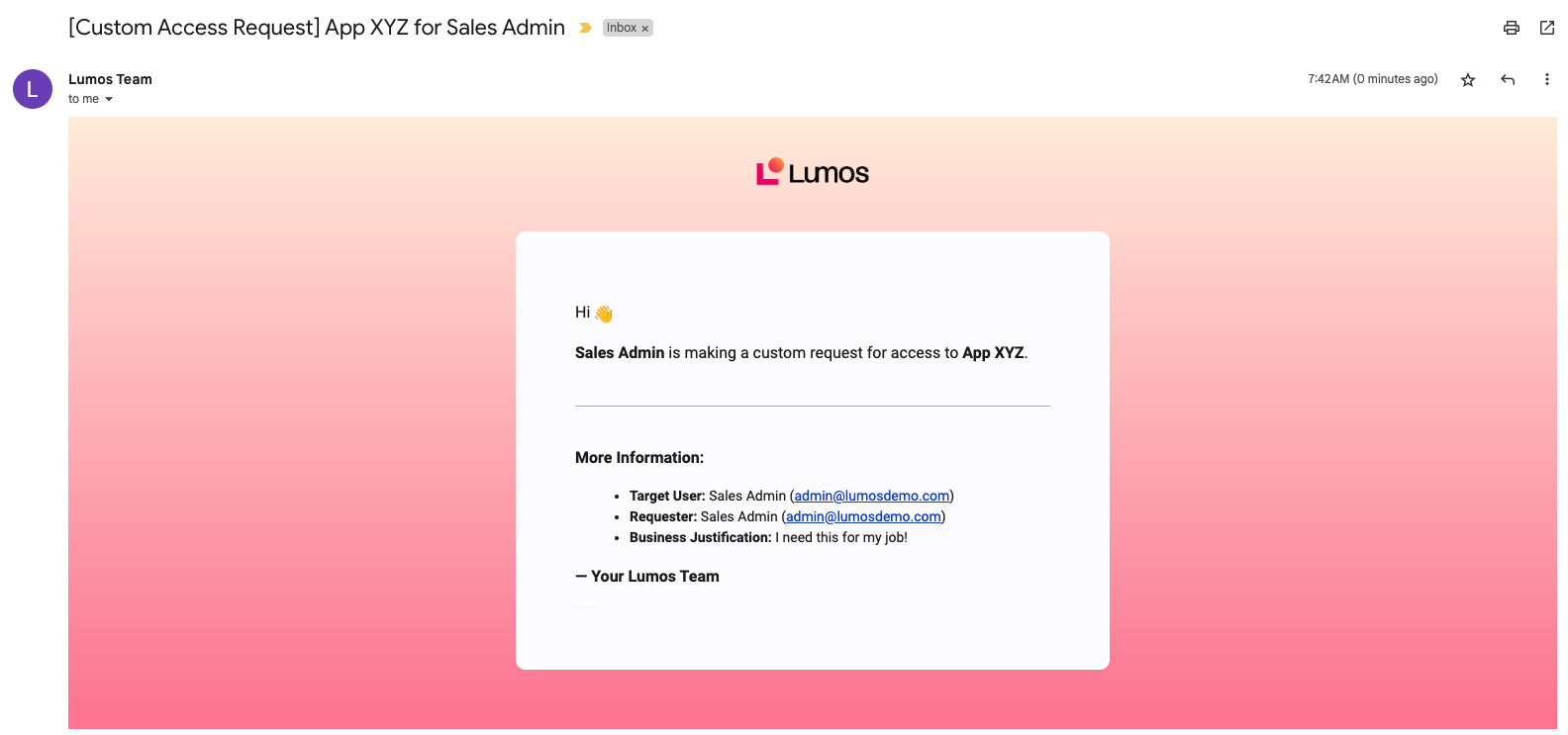
When someone submits a **custom access request**, a one-off email is sent to your ITSM destination informing your team of the app being requested, along with the justification. *See[Enabling Custom Requests](/kb/appstore/configuring-your-appstore/enabling-custom-requests)*
## Request expired
When a request expires, a notification is sent confirming that the request can no longer be acted on. If the ticket can be auto-resolved, Lumos will auto-resolve it after this action.
## Custom access request
When someone submits a **custom access request**, a one-off email is sent to your ITSM destination informing your team of the app being requested, along with the justification. *See[Enabling Custom Requests](/kb/appstore/configuring-your-appstore/enabling-custom-requests)*