> ## Documentation Index
> Fetch the complete documentation index at: https://docs.lumos.com/llms.txt
> Use this file to discover all available pages before exploring further.
# Deleting an App From an Access Review
## Background
If you added an app to your access review and decide that it's no longer necessary to audit that app, this article shows you how to remove it from your Access Review.
## Steps
### 1. Click on your [access review](https://app.lumosidentity.com/access_reviews?tab=IN_PROGRESS).
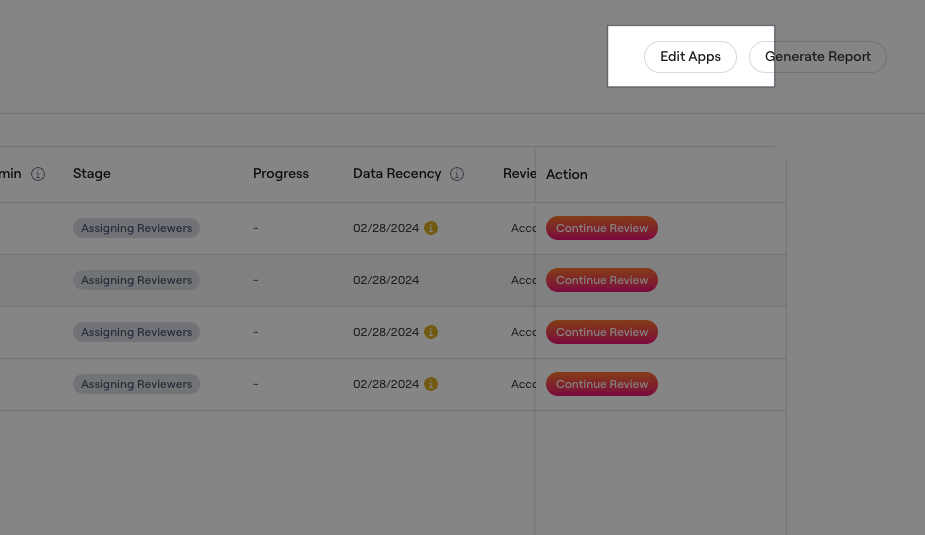
### 2. Click the "Edit Apps" button.
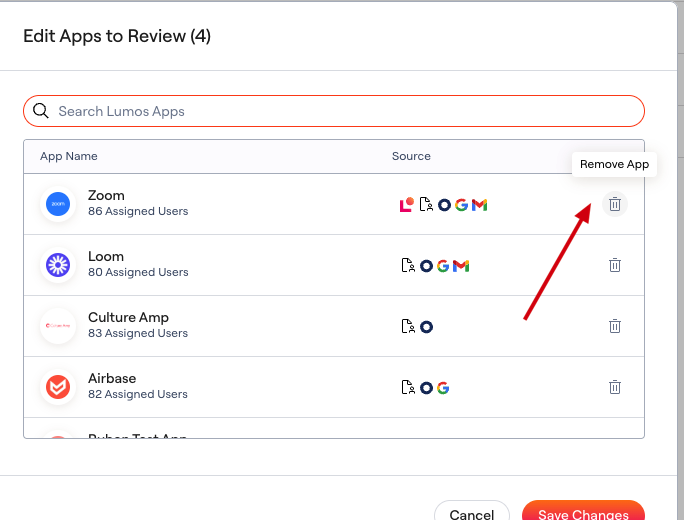
 ### 3. Find and click on the "Remove App" icon for the given app.
This will completely remove the app from your review, including any decisions and notes added by reviewers. Make sure you don't need this information before deleting an app.
### 3. Find and click on the "Remove App" icon for the given app.
This will completely remove the app from your review, including any decisions and notes added by reviewers. Make sure you don't need this information before deleting an app.
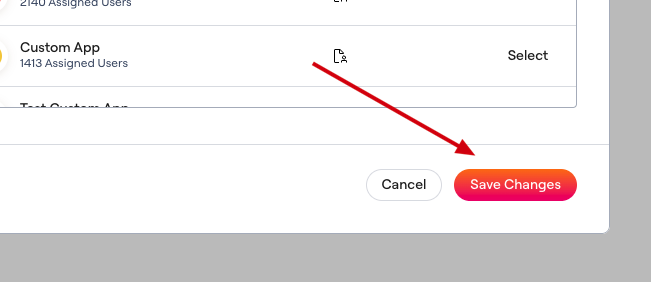
 ### 4. Click "Save Changes" to confirm removal.