> ## Documentation Index
> Fetch the complete documentation index at: https://docs.lumos.com/llms.txt
> Use this file to discover all available pages before exploring further.
# Why do I see 0 accounts in my Access Review?
## Problem
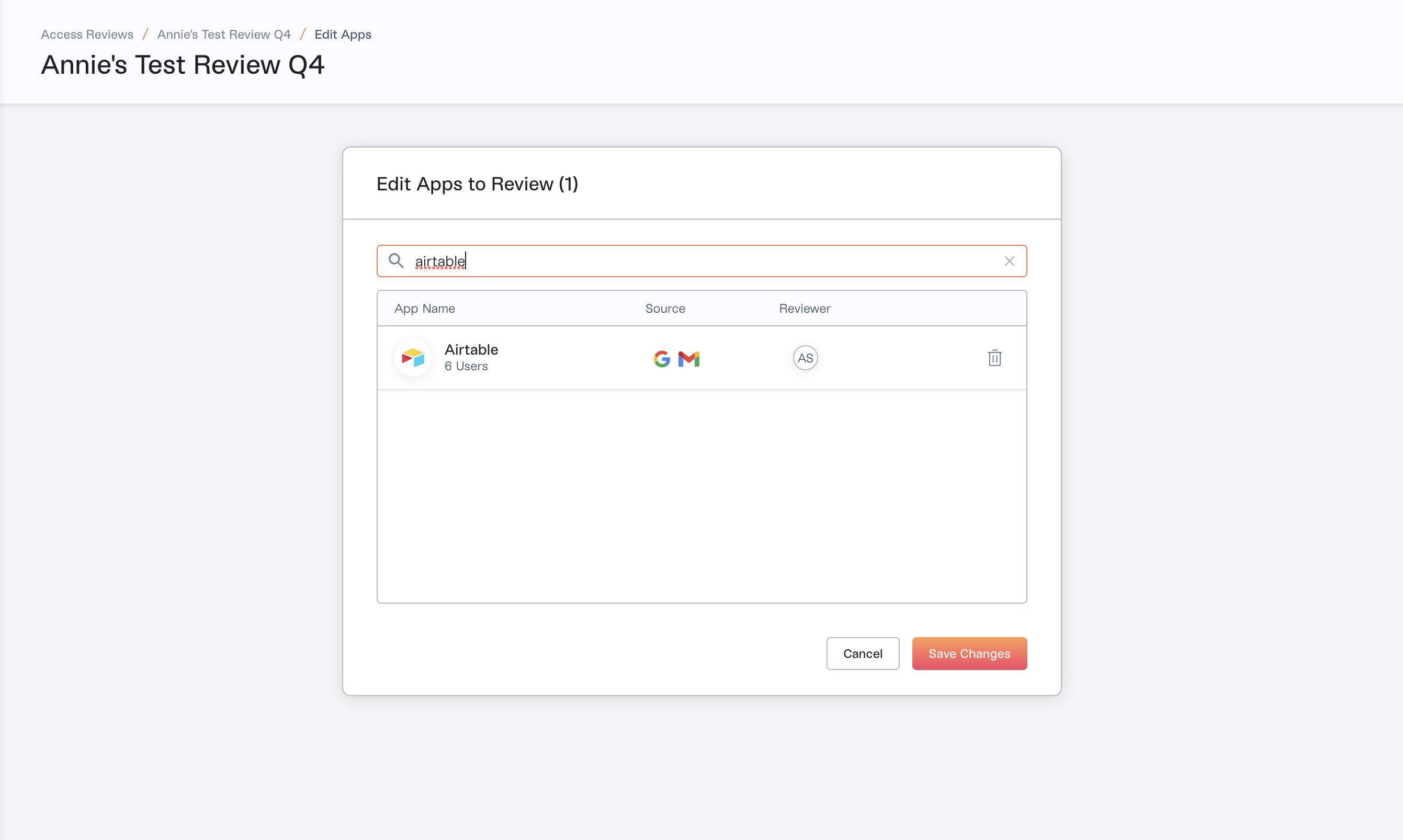
You added an app to your Access Review:
 and you don't see any accounts:
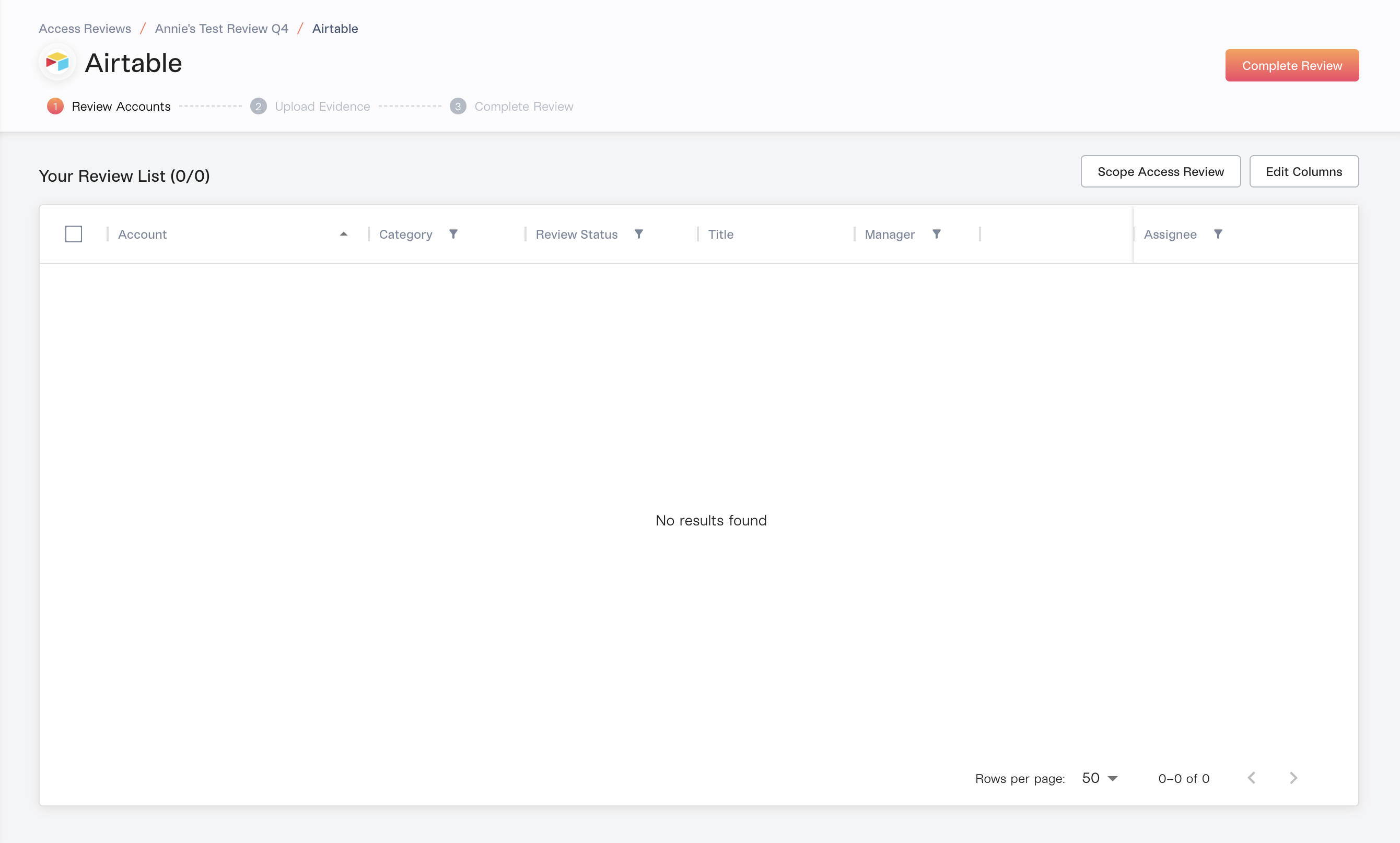 To find the cause, check the source of the app selected in the first screenshot:
 When an app is **email-sourced**, it will not yield any accounts, because those accounts are Discovered.
Lumos discovers them through OAuth tokens or email subject headers and can't validate that they have an active account, so they're filtered out of the Access Review.
For Access Reviews, use apps sourced from your IdP (Okta, OneLogin, Microsoft Entra ID) or directly integrated Lumos apps.
## Solution
If it doesn't sit behind your IdP and if Lumos doesn't currently have an integration, then add a custom app. *See[Adding a custom app](/kb/identities/custom-apps/adding-a-custom-app)*
When an app is **email-sourced**, it will not yield any accounts, because those accounts are Discovered.
Lumos discovers them through OAuth tokens or email subject headers and can't validate that they have an active account, so they're filtered out of the Access Review.
For Access Reviews, use apps sourced from your IdP (Okta, OneLogin, Microsoft Entra ID) or directly integrated Lumos apps.
## Solution
If it doesn't sit behind your IdP and if Lumos doesn't currently have an integration, then add a custom app. *See[Adding a custom app](/kb/identities/custom-apps/adding-a-custom-app)*